
Has your Keurig suddenly refused to turn on right after you finished descaling it? You’re not alone, and it’s incredibly frustrating when your trusted coffee maker won’t start brewing just when you need it most.
Don’t worry—this problem is more common than you think, and the good news is that there are simple steps you can take to get your Keurig back up and running quickly. You’ll discover easy-to-follow troubleshooting tips that address power issues, water reservoir placement, and cleaning techniques.
Keep reading, and you’ll be sipping your perfect cup of coffee again in no time.

Credit: www.reddit.com
Common Power Issues
Power issues often cause a Keurig machine to fail after descaling. Understanding common problems helps fix the machine quickly. Power problems can stop your Keurig from turning on. Checking simple things saves time and effort.
Loose Power Connection
The power cord might not be fully plugged in. Check the connection at both ends. A loose plug can stop electricity from reaching the machine. Firmly push the cord into the outlet and the Keurig. This step often restores power immediately.
Faulty Power Outlet
The outlet may not provide power even if it looks fine. Test the outlet with another device. If the device does not work, try a different outlet. Using a working outlet ensures the machine gets electricity. Avoid outlets controlled by switches, as they might be off.
Water Reservoir Placement
The water reservoir must sit properly on the base. Remove and replace it carefully until it clicks. Poor placement can prevent the machine from starting. The Keurig detects water only when the reservoir is secure. This small step often solves the power issue after descaling.
Performing A Hard Reset
Performing a hard reset is a simple and effective way to fix a Keurig that won’t turn on after descaling. This process clears any temporary glitches in the machine’s system. It helps restore normal function without complex repairs. Follow these steps carefully to reboot your Keurig and get back to brewing coffee.
Unplugging And Waiting
Start by unplugging your Keurig from the power outlet. Leave it unplugged for at least 5 minutes. This pause allows the internal circuits to fully reset. Waiting helps clear any electrical charge that may be causing the issue. Avoid rushing this step for better results.
Rebooting The Machine
After waiting, plug the Keurig back into the outlet securely. Press the power button to turn it on. If it still does not start, try pressing and holding the power button for 10 seconds. Release the button and press it again. This manual reboot can resolve minor software errors.
Cleaning And Maintenance
Proper cleaning and maintenance keep your Keurig running smoothly. Regular care helps avoid power issues after descaling. Simple steps can clear blockages and remove leftover residues. Follow these tips to maintain your machine’s performance and extend its life.
Running Water-only Rinse Cycles
Fill the water reservoir with fresh water only. Run several brew cycles without a pod. This flushes out any remaining descaling solution. It also removes air bubbles that block water flow. Repeat until the water runs clear and taste is fresh.
Clearing The Needle Assembly
The needle assembly pierces pods and can get clogged. Use a paperclip or cleaning tool to clear debris. Clean both the entrance and exit needles carefully. This step ensures water flows correctly during brewing. A clean needle prevents machine errors and no-power issues.
Draining Excess Water
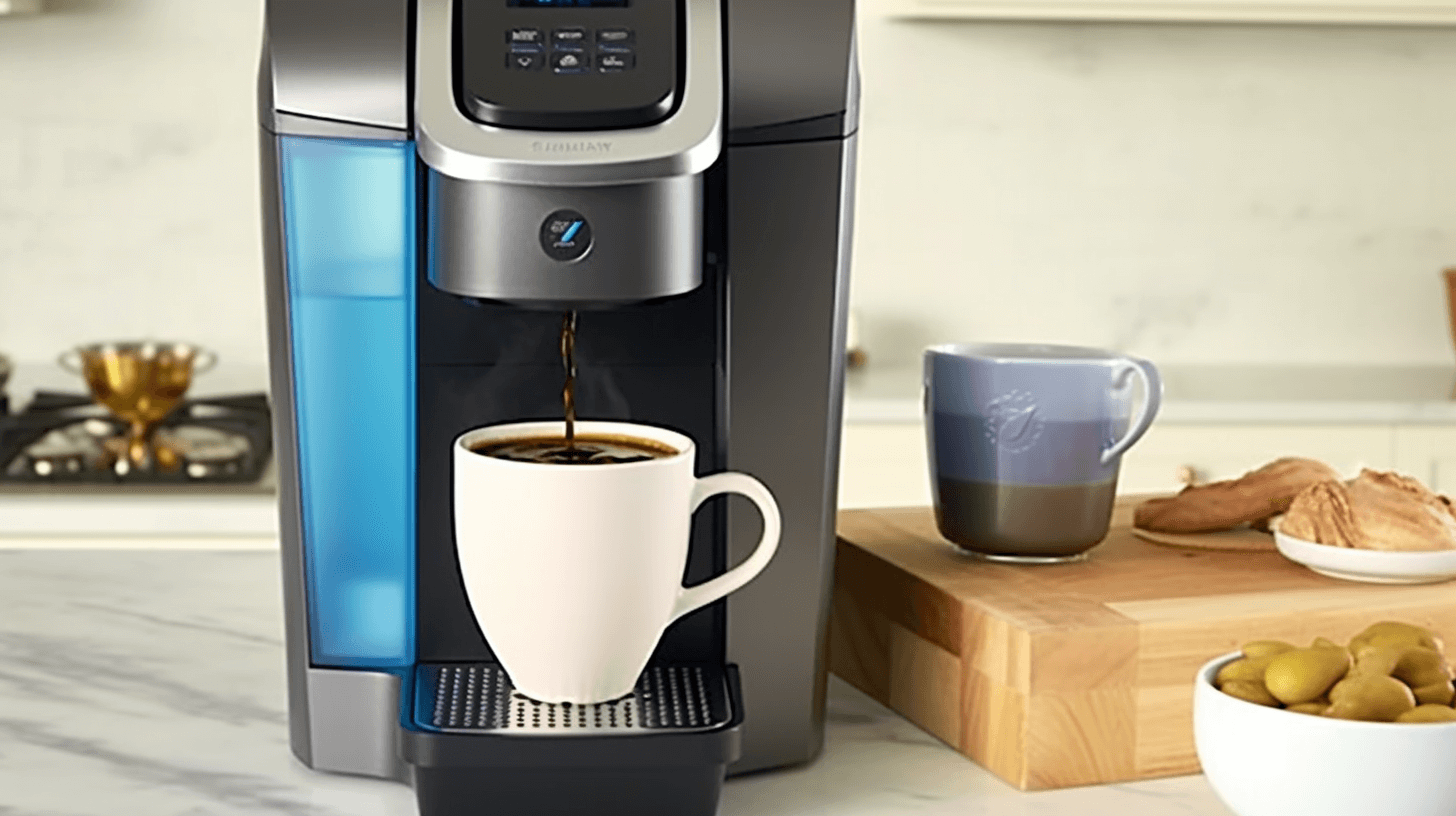
Water trapped inside can cause electrical problems. Remove the water reservoir and drip tray. Tilt the machine gently to drain any leftover water. Let the Keurig dry in a warm place for several hours. This prevents short circuits and helps the machine turn on properly.
Credit: angelinos.com
Resetting The Descale Indicator
Resetting the descale indicator is a key step after cleaning your Keurig. The machine may not turn on if this light stays on. Resetting tells the machine you finished descaling. This allows it to work normally again.
The descale light can get stuck due to a software glitch. Sometimes the machine needs a manual reset to clear it. This process is simple and quick. It helps your Keurig recognize that descaling is done.
Manual Reset Steps
Start by turning off the Keurig and unplugging it. Wait about one minute to let it power down fully. Plug the machine back in and turn it on. Hold down the 8-ounce and 10-ounce buttons at the same time. Keep holding for about 5 seconds until the descale light turns off. Release the buttons. The light should stay off now, signaling a successful reset.
If the light stays off, run a water-only brew cycle. This clears any leftover descaling solution. Your Keurig is now ready to brew coffee again.
When The Light Is Stuck
If the descale light remains on after the reset, try unplugging the machine again. Wait for 5 minutes this time to let it fully reset. Press and hold the power button for 10 seconds before plugging it back in. Turn the machine on and check the descale light.
Sometimes a stuck light means a deeper issue. Check the water reservoir and clean the needles inside the brew head. Dirt or blockages can cause problems. If the descale light still won’t turn off, contacting Keurig support is the next step. They can guide you through advanced troubleshooting or repairs.
Advanced Troubleshooting
Advanced troubleshooting dives deeper into the internal workings of your Keurig. Basic resets and cleaning may not fix all issues. Some problems hide inside the machine’s components. Understanding these parts helps you decide the next steps. This section guides you through checking key elements that might stop your Keurig from turning on after descaling.
Checking Internal Components
Start by unplugging the machine. Open the outer casing carefully to avoid damage. Look for loose or disconnected wires. Check if the water reservoir sensor is properly seated. Inspect the heating element for any signs of damage or corrosion. Clean any dust or residue that might cause poor connections. Use a multimeter to test electrical continuity on key parts. Faulty components here often cause power issues.
Identifying Control Board Issues
The control board manages the machine’s functions. Signs of a bad control board include no lights or unresponsive buttons. Look for burnt marks or damaged parts on the circuit board. Sometimes moisture from descaling liquid can cause shorts. If you spot damage, replacing the control board may be necessary. Testing with a spare board helps confirm if the control board is the problem.
Thermal Fuse Problems
The thermal fuse protects your Keurig from overheating. A blown fuse cuts power to the machine. Check the fuse for continuity using a multimeter. If the fuse is open, it needs replacement. Thermal fuses blow due to overheating or electrical faults. Replacing a blown fuse is a simple, cost-effective fix. Always use the correct fuse type for your Keurig model.

Credit: www.youtube.com
When To Contact Support
Knowing when to contact Keurig support can save time and avoid frustration. Some problems need expert help beyond basic fixes. After descaling, if your Keurig won’t turn on, check for signs of serious faults. This guide helps you decide when to reach out for professional support.
Recognizing Serious Faults
Look for unusual sounds or complete power failure. If the machine shows no lights or buttons respond, it signals a deeper issue. A burning smell or smoke means stop using immediately. Persistent errors after resets or cleaning needles also show serious problems. These signs mean the internal parts might be damaged or malfunctioning.
Repair And Replacement Options
Keurig support can offer repair or replacement advice. Some faults can be fixed with replacement parts like power cords or circuit boards. If the machine is under warranty, repairs may be free or discounted. Out-of-warranty machines might require paid service or a new unit. Support can guide you through repair steps or how to send your machine for service.
Frequently Asked Questions
Why Is My Keurig Not Working After Descaling It?
Your Keurig may not work after descaling due to airlocks, improper reservoir placement, or clogged needles. Perform a hard reset, reseat the water reservoir, and clean the needles. Run multiple water-only brew cycles to flush out residue. Contact support if issues persist.
How Do I Reset My Keurig That Won’t Turn On?
Unplug your Keurig and wait 5 minutes. Plug it back in securely. Ensure the water reservoir is seated properly. Run a water-only rinse cycle. Clean the needle with a paperclip to remove clogs. Contact Keurig support if it still won’t turn on.
How Do I Reset My Keurig Machine After Descaling?
Unplug your Keurig and wait 5 minutes. Reinsert the water reservoir securely. Plug it back in and run multiple water-only brew cycles to flush out descaling residue. This resets the machine and clears any airlocks. If the descale light stays on, consult the user manual for specific reset steps.
How To Reset Keurig Thermal Switch?
Unplug your Keurig and wait 5 minutes. Plug it back in to reset the thermal switch. Ensure the water reservoir is seated correctly. Run a water-only brew cycle to clear any blockages. Contact Keurig support if the issue persists.
Why Won’t My Keurig Turn On After Descaling?
Power issues or poor water reservoir connection often cause this problem.
Conclusion
Keurig machines may fail to turn on after descaling due to simple issues. Always check the power connection and water reservoir placement first. Running a water-only rinse can help clear airlocks or leftover solution. Cleaning the needles prevents blockages that stop brewing.
If problems persist, draining excess water and drying the machine might fix internal moisture issues. When all else fails, contacting Keurig support ensures professional help. Taking these steps improves your chances to enjoy coffee without delay. Keep your machine maintained for better performance and longer life.