
If you’ve seen the E2 F9 error code pop up on your Whirlpool washer, you know it can be frustrating and confusing. This error usually points to a problem with the drain pump, which means your washer might not be draining properly.
But don’t worry—you’re not alone, and this guide will walk you through simple steps to fix it. Whether you want to try quick checks or dive into more detailed troubleshooting, you’ll find everything you need right here. Keep reading, and soon your washer will be back to working smoothly, saving you time and hassle.
E2 F9 Error Meaning
The E2 F9 error code on a Whirlpool washer signals a communication issue. It shows the washer’s control board cannot talk properly with the drain pump. This error stops the washer from draining water correctly. Understanding this fault helps in fixing the problem quickly.
The error usually appears during the drain or spin cycle. It means the washer cannot complete the cycle due to this communication breakdown. Knowing what causes this error guides users on what to check first.
Communication Fault Overview
The E2 F9 error means the control board and drain pump lose connection. The control board sends signals to the pump to drain water. If the pump does not respond or sends wrong signals, the error code appears.
This fault prevents the washer from draining water, causing cycles to stop. The machine waits for the pump to respond but cannot get a clear signal. The communication fault may be caused by wiring, pump issues, or control board problems.
Common Causes
Wiring issues often cause the E2 F9 error. Loose, damaged, or corroded wires block proper communication between parts. Checking the wiring harness is the first step.
The drain pump itself can also cause this error. A broken or failing pump motor may not respond to the control board’s commands. Sometimes, debris blocks the pump impeller, causing it to stall or fail.
Control board faults can trigger the error too. If the board has defects or damage, it may not send or receive signals properly. Replacing the control board might be necessary if wiring and pump checks are clear.
Initial Quick Fixes
Facing an E2 F9 error code on your Whirlpool washer can be frustrating. Start with simple, quick fixes to save time and avoid unnecessary repairs. These steps address common issues that trigger this error. Follow each method carefully for best results.
Power Cycle The Washer
Unplug the washer from the power outlet. Wait for about one minute. Plug the washer back in and turn it on. This resets the control board and can clear temporary faults. Sometimes, a simple power cycle fixes the error code.
Clear Drain Pump Filter
Locate the drain pump filter at the bottom front of the washer. Place a shallow pan or towel under it to catch water. Unscrew the filter cap and remove any debris or lint. Clean the filter thoroughly. A clogged filter can stop the washer from draining properly, causing the E2 F9 error.
Check Drain Hose For Kinks
Inspect the drain hose connected to your washer. Make sure it is not bent, twisted, or pinched. Kinks in the hose block water flow and trigger error codes. Straighten the hose gently to allow smooth drainage. Proper drainage helps the washer work correctly and stops error codes.
Cleaning The Drain Pump Filter
Cleaning the drain pump filter is a key step to fix the E2 F9 error on your Whirlpool washer. This error often means the washer cannot drain water properly. Dirt, lint, or small objects can clog the drain pump filter. Regular cleaning helps your washer drain smoothly and avoid errors.
The process is simple and does not require special tools. Follow the steps below to locate, remove, and clean the filter carefully. Make sure to catch any water spills to keep the area dry and safe.
Locate Access Panel
Start by unplugging your washer to stay safe. Find the small access panel at the bottom front of the machine. This panel covers the drain pump filter. Some models have a door with a knob or screws holding it in place. Open this panel carefully to reach the filter.
Remove And Clean Filter
Place a towel or shallow pan under the panel before removing the filter. Unscrew the filter cap slowly, as water may spill out. Take out any lint, coins, or debris blocking the filter. Rinse the filter under running water to remove dirt. Clean the filter thoroughly for best results.
Catch Water Spills
Water trapped inside the washer can spill during filter cleaning. Use a shallow pan or old towels to catch water and avoid mess. Keep towels nearby to wipe up drops quickly. This step prevents water damage to your floor and keeps the work area dry.
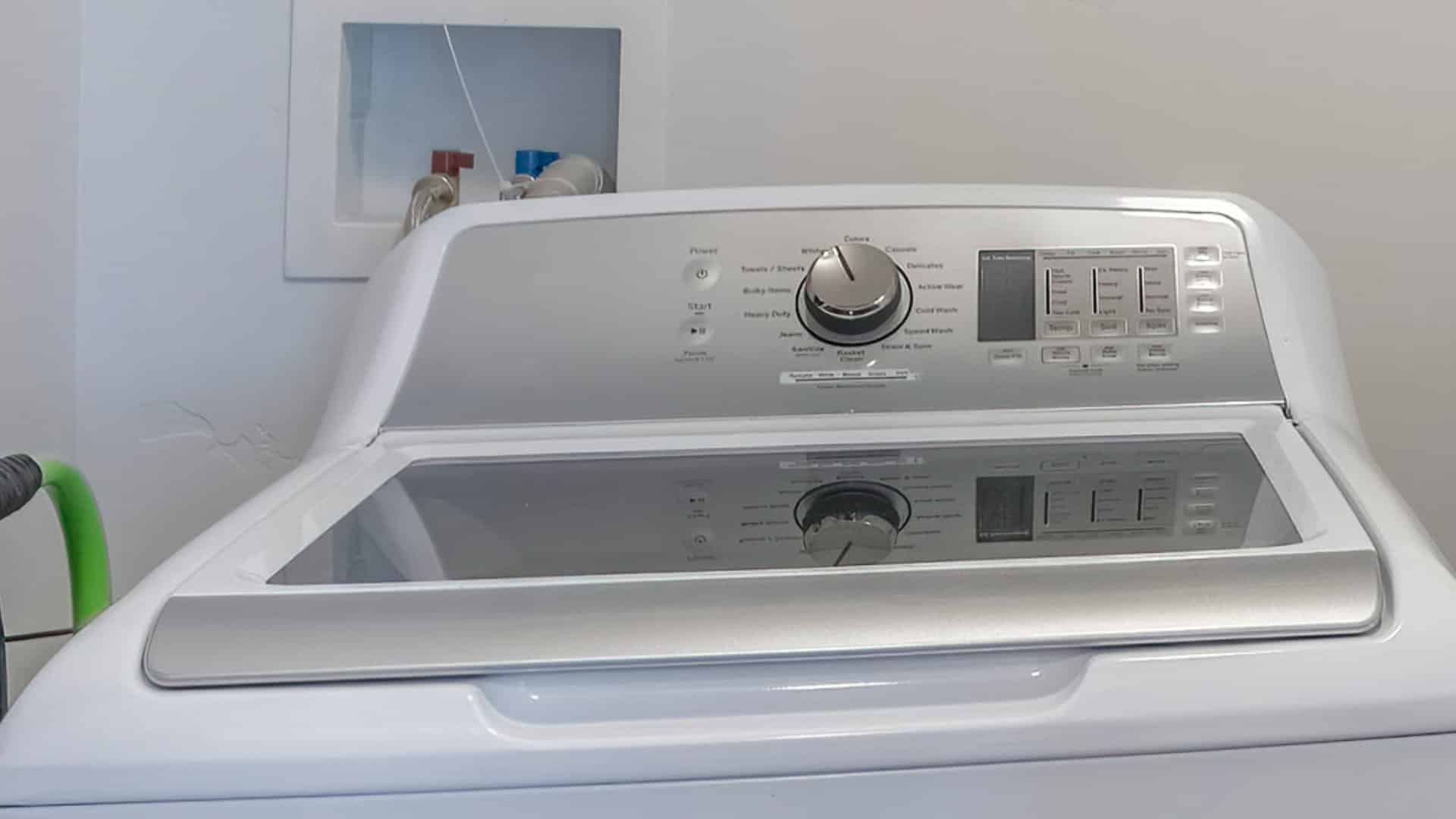
Credit: applianceexpresstx.com
Inspecting The Drain Pump
Inspecting the drain pump is essential when your Whirlpool washer shows the E2 F9 error code. This code often signals a problem with the drain pump’s operation. Checking the pump ensures it can remove water properly during the drain cycle. A faulty pump can stop the washer from draining, causing the error to appear. Follow these simple steps to inspect the drain pump carefully and find possible issues.
Accessing The Pump Impeller
Start by unplugging the washer to stay safe. Locate the bottom front panel of your machine. Unscrew and remove this panel to reach the drain pump. The pump impeller is inside the pump housing. You may need a flashlight for better visibility. Be gentle while handling the parts to avoid damage.
Checking For Obstructions
Look closely at the impeller for any stuck objects. Small items like coins, lint, or fabric can block the pump. Clear away all debris carefully. Even a small blockage can stop the pump from spinning. Clean the pump housing and the area around it. Removing obstructions helps restore proper water drainage.
Assessing Impeller Condition
Examine the impeller blades for cracks or damage. Damaged impellers cannot push water out effectively. Try spinning the impeller by hand; it should move freely. If it feels stuck or wobbly, the pump may need replacement. A good impeller is key to a healthy drain pump function.
Examining Wiring Connections
Examining wiring connections is a key step in fixing the E2 F9 error code on your Whirlpool washer. This error often points to a problem in the communication between the control board and the drain pump. Checking wiring ensures there are no loose or damaged wires causing the fault.
Start by carefully inspecting the wiring harness and connectors. Worn or corroded wires can disrupt signals and trigger error codes. Securing any loose connections helps maintain steady communication inside the washer.
Locate Wiring Harness
Find the wiring harness that links the drain pump to the control board. This harness usually runs behind the washer’s front or bottom panel. Unplug the washer before accessing it to stay safe. Gently remove the panel screws and set the panel aside.
Trace the wires from the pump motor to the control board. The harness looks like a bundle of wires held together by clips or tape. Identifying this harness is necessary to check the wiring condition.
Check For Damage Or Corrosion
Look closely at each wire in the harness. Check for cuts, frays, or broken strands. Corrosion often appears as green or white buildup on connectors. Any damage or corrosion can block electrical signals.
Use a flashlight for better visibility. If corrosion is present, clean it gently with a small brush or contact cleaner. Replace wires or connectors showing serious damage to avoid future errors.
Secure Loose Connections
Ensure each connector fits tightly into its socket. Loose connections cause intermittent faults leading to error codes. Push connectors firmly but do not force them.
Use electrical tape or zip ties to hold loose wires in place. Secure wiring away from sharp edges or moving parts inside the washer. This prevents accidental disconnections during washer operation.
Testing The Control Board
Testing the control board is a crucial step in fixing the E2 F9 error code on your Whirlpool washer. This error often points to a problem with the communication between the control board and the drain pump. Before deciding to replace any parts, you need to verify if the control board is working correctly. This process involves checking the board for visible damage, loose connections, and proper voltage output. Understanding how to test the control board can save you time and money by identifying the real issue.
Signs Of Control Board Failure
One common sign is the washer showing the E2 F9 error code repeatedly. The machine may not drain or spin properly. Another sign includes the washer not responding to commands or stopping mid-cycle. You might notice burnt or scorched marks on the control board. Flickering lights or unusual noises can also indicate control board issues. Sometimes, the washer may fail to start at all, which can point to a faulty board.
When To Replace The Board
Replace the control board if testing shows no voltage or irregular signals. If you see visible damage like burnt components, replacement is necessary. Persistent errors after checking all wiring and pump parts mean the board could be the problem. Also, if the washer does not respond to control inputs, the board likely needs replacement. Always ensure to test the board fully before making a purchase to avoid unnecessary expenses.
Replacing Faulty Parts
Replacing faulty parts is often necessary to fix the E2 F9 error code on Whirlpool washers. This error usually points to problems with the drain pump or the control board. Swapping out broken components can restore your washer’s function quickly. Proper replacement also prevents further damage and saves money on repairs.
Before starting, always unplug the washer. Safety first. Use the right tools and follow instructions carefully. Focus on the parts most likely causing the error. Two main parts to consider are the drain pump motor and the control board.
Drain Pump Motor Replacement
The drain pump motor removes water during the wash cycle. Faulty motors can trigger the E2 F9 error. To replace it, first remove the lower front panel of the washer. Locate the drain pump and disconnect its wiring harness.
Unscrew the pump from its mount and carefully take it out. Check the pump impeller for damage or blockage before replacing. Install the new motor by reversing these steps. Secure all connections tightly to avoid leaks or errors.
After replacement, run a drain and spin cycle to confirm the issue is fixed. If the error returns, check wiring or other parts again.
Control Board Replacement Tips
The control board controls the washer’s operations. It communicates with the drain pump. A faulty board can cause the E2 F9 error code. Before replacing, inspect all wiring for damage or loose connections.
Purchase the exact replacement control board model for your washer. Disconnect power and remove the board carefully. Note wire placements or take pictures for correct reinstallation.
Install the new board and reconnect all wires securely. Test the washer to see if the error disappears. If problems continue, professional service may be needed.

Credit: www.youtube.com
Preventing Future Errors
Preventing future E2 F9 error codes on your Whirlpool washer helps avoid costly repairs. Regular care keeps your machine running smoothly and extends its life. Simple steps in cleaning and maintenance reduce the chance of this drain pump communication fault recurring.
Regular Filter Cleaning
Clean the drain pump filter often. Locate the filter behind the bottom front panel. Unscrew the filter cap carefully. Remove any debris, lint, or small objects. This keeps water flowing well and stops blockages. Regular cleaning prevents the pump from straining or failing.
Proper Hose Installation
Check the drain hose position frequently. Make sure it is not bent or twisted. A kinked hose blocks water flow. Secure the hose firmly to avoid leaks. Correct installation ensures smooth drainage. This helps the washer avoid error codes related to pump failure.
Routine Maintenance Advice
Schedule regular checks of your washer’s parts. Inspect the drain pump impeller for damage or stuck items. Look over wiring connections for loose or broken wires. Run test cycles after maintenance to confirm proper operation. Routine care helps catch problems early and prevents errors.
Credit: viaappliance.com
Frequently Asked Questions
What Does E2 F9 Mean On A Whirlpool Washer?
E2 F9 on a Whirlpool washer signals a drain pump communication error. Check the drain pump, hose, and wiring for issues. Clean the pump filter and ensure no blockages. Replace the pump motor or control board if problems persist after inspections.
How Do I Fix Error Code F9 E2?
Error code F9 E2 signals a drain pump communication fault. Unplug the washer, clean the drain pump filter, and check the drain hose for clogs or kinks. Inspect the pump impeller and wiring connections. Replace the pump motor or control board if the error persists after these steps.
How To Fix E2 Error Code Whirlpool Washer?
Unplug the washer to reset it. Clear the drain pump filter and check the drain hose for clogs or kinks. Inspect the pump impeller and wiring for damage. Replace the drain pump or control board if the error persists.
How Do I Fix Error Code F9 On Whirlpool?
Unplug the washer to reset it. Clear the drain pump filter and check the drain hose for clogs or kinks. Inspect the pump impeller and wiring for damage. Replace the pump motor or control board if the error persists.
What Does E2 F9 Error Code Mean On Whirlpool Washer?
E2 F9 means a communication problem between the control board and drain pump.
Conclusion
The E2 F9 error code on your Whirlpool washer signals a drain pump issue. Start by unplugging the washer and cleaning the drain pump filter. Check the drain hose for clogs or bends. Inspect the pump impeller and wiring for damage or loose connections.
If problems persist, the drain pump motor or control board might need replacement. Taking these steps helps keep your washer running smoothly and avoids costly repairs. Regular maintenance can prevent this error from returning. Stay patient and methodical during troubleshooting for best results.