
If your Speed Queen washer is showing the error code “Ed 29,” you’re probably wondering what it means and how to fix it. This code usually points to a problem with the motor or the door lock system, which can stop your washer from working properly.
But don’t worry—you don’t have to be a repair expert to troubleshoot this issue. You’ll find simple, step-by-step tips to help you identify the cause of the Ed 29 error and get your washer running smoothly again. Keep reading, and you’ll learn how to save time and money by fixing common problems yourself before calling a professional.
Error Code Ed Explained
The Speed Queen washer error code ED signals a problem inside the machine. This code often means the motor is not communicating with the control board. Some models also use ED to show door lock or water inlet issues. Understanding this code helps you find the right fix fast.
Motor Connection Issues
The motor sends signals to the control board. A loose or damaged wire can stop this communication. Check the wire harness for any damage or loose connections. Also, test the motor for damage or resistance. If the motor or its bearings are faulty, the washer shows the ED code.
Door Lock Problems
The door lock must secure tightly for the washer to run. If the door is open or the latch is blocked, the ED code appears. Check that the door closes fully and the latch works well. Remove any dirt or debris from the latch and seal. Sometimes, the door lock assembly needs testing or replacement.
Water Inlet Concerns
Water enters the washer through hoses and filters. Blocked filters or clogged hoses can trigger the ED error. Low water pressure also causes issues. Clean the filters and check the hoses for blockages. Make sure water flows freely into the machine to avoid this error code.
Basic Troubleshooting Steps
Troubleshooting the Speed Queen washer code Ed 29 starts with simple checks. These steps help identify common issues causing the error. Follow these basic actions before calling a technician. They save time and might fix the problem quickly.
Power Reset
Unplug the washer from the power outlet. Wait at least five minutes. This allows the machine’s electronics to reset. Plug the washer back in and turn it on. Check if the error code clears. A power reset often fixes temporary glitches in the system.
Harness Inspection
Inspect the wiring harness that connects the motor to the drive board. Look for loose or damaged wires. Ensure all connectors are firmly plugged in on both ends. Damaged or disconnected harnesses can cause communication errors that trigger code Ed 29.
Motor Check
Check the motor for any signs of damage. Try to turn the drum by hand. If it feels stuck or offers too much resistance, the motor or bearings might be faulty. A malfunctioning motor often leads to error codes like Ed 29. Test the motor’s electrical connections as well.
Drive Board Examination
Examine the drive board carefully. Look for burn marks, corrosion, or moisture damage. The drive board controls the washer’s motor and other functions. Any damage can cause the Ed 29 error. If the board looks damaged, it may need professional repair or replacement.
Door Lock Troubleshooting
The Speed Queen washer code Ed 29 often signals a door lock problem. Proper door locking is vital for the washer to operate safely. Troubleshooting the door lock can fix the issue and get your washer running again.
Follow these simple steps to check and fix common door lock issues. Each step ensures the door lock works correctly, avoiding error codes and interruptions.
Verify Door Closure
First, check if the washer door is fully closed. A door that is slightly open will not start the cycle. Press the door firmly until you hear a click. This confirms the latch has engaged. Avoid forcing the door, which could cause damage.
Clear Debris From Latch And Seal
Look for dirt, lint, or small objects stuck in the door latch or seal. Debris can block the latch from locking properly. Use a soft cloth to clean the area around the latch and seal. Keep the door area dry to prevent mold and buildup.
Test Door Lock Assembly
If the door closes and the latch is clean, test the door lock assembly. Unplug the washer before testing to avoid electric shock. Use a multimeter to check the lock’s electrical continuity. A faulty lock assembly may need replacing to clear the Ed 29 code.
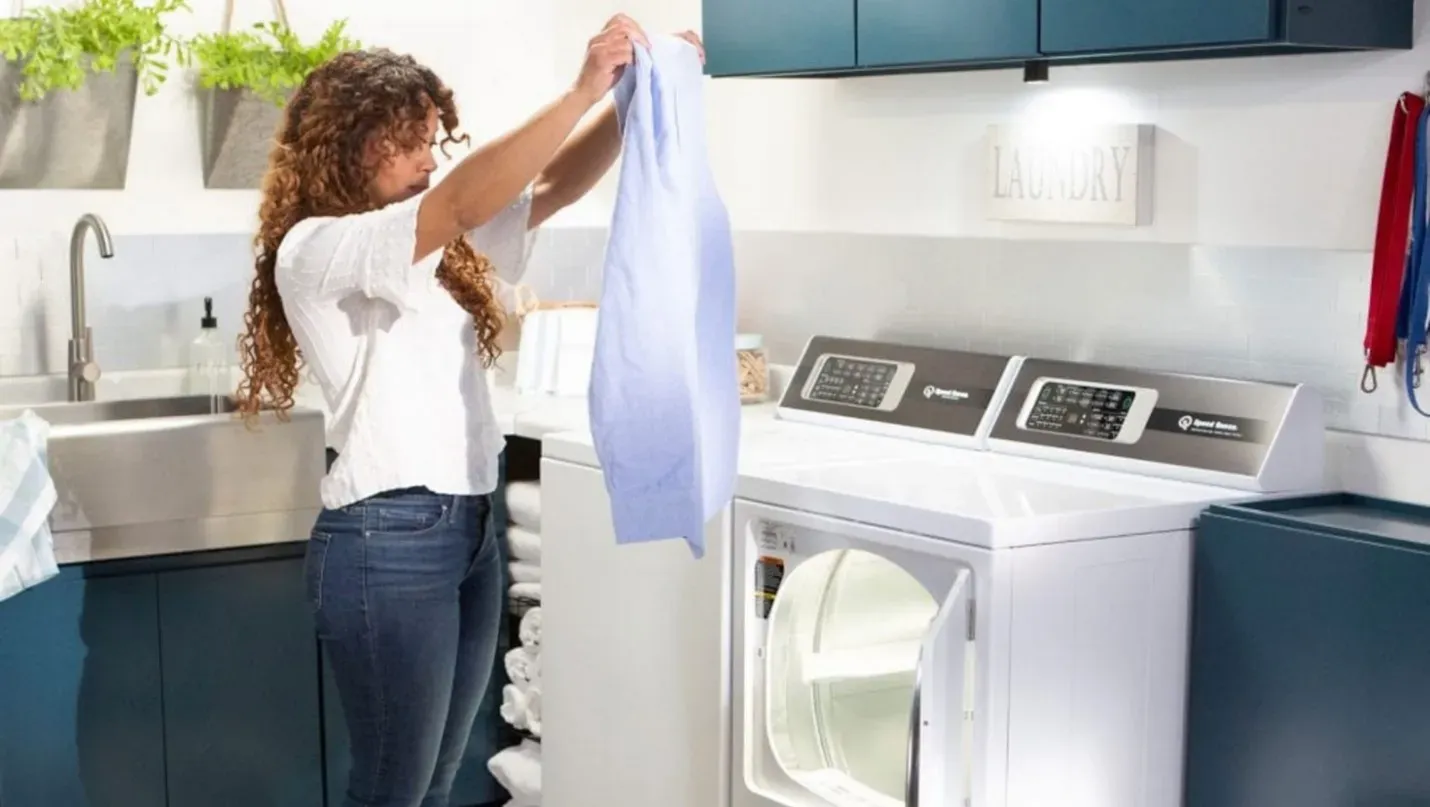
Credit: www.kellyshomecenter.com
Water Supply Checks
Water supply problems often cause the Speed Queen washer code Ed 29. Checking the water supply is a key step to fix this issue. Clean water flow helps the washer work well and stops error codes.
Simple checks on water filters and hoses can clear blockages. Also, water pressure must be strong enough to fill the washer properly. Follow these steps to inspect your washer’s water supply.
Filter And Hose Cleaning
Turn off the water supply before starting. Remove the hoses connected to the washer. Check the filters inside the hose connectors. Dirt and debris can block the water flow.
Clean the filters gently with a soft brush or rinse them under running water. Also, look inside the hoses for any clogs or damage. Replace hoses if they are cracked or very dirty.
Reattach the hoses tightly to avoid leaks. Clean filters and clear hoses help keep water flowing smoothly. This step often solves the Ed 29 error.
Assess Water Pressure
Water pressure affects how fast the washer fills. Low pressure can trigger error codes. Check the water pressure using a pressure gauge or by turning on a faucet nearby.
Pressure should be at least 20 psi for the washer to work well. If pressure is low, check the main water valve or call a plumber. Strong water pressure ensures proper washing cycles.
Good pressure lets the washer fill quickly and avoids sensor errors. Always maintain steady water flow for your Speed Queen washer.
When To Seek Professional Help
Knowing when to seek professional help for the Speed Queen washer code Ed 29 saves time and prevents damage. Some issues need expert tools and skills to fix safely. Recognizing these signs helps avoid costly mistakes and keeps your washer running well.
Persistent Errors
If the Ed 29 error keeps showing after resets, call a technician. Repeated errors suggest deeper problems beyond simple fixes. Professionals can diagnose the root cause quickly and accurately.
Damaged Components
Visible damage to parts like the motor, wires, or control board requires expert repair. Handling broken components without experience can cause more harm. A technician has the right tools to replace or fix damaged pieces safely.
Advanced Testing Needs
Some problems need special diagnostic equipment to test motor signals or control boards. Testing these parts needs skill and knowledge. Professionals use advanced tools to check electrical connections and system functions thoroughly.
Expert Tips For Preventing Ed Errors
Preventing the ED error on your Speed Queen washer can save time and avoid repair costs. This error usually means a problem with the motor or door lock. Taking simple steps can help keep your washer running smoothly and free of errors. Follow these expert tips to reduce the chance of the ED code appearing.
Regular Maintenance
Clean your washer regularly to prevent motor and sensor issues. Remove lint and debris from the drum and door seal. Check hoses and filters for blockages. Inspect the wiring harness for loose or damaged connections. Unplug the machine before any maintenance. Keeping parts clean and intact helps avoid errors.
Proper Door Handling
Always close the door firmly until you hear a click. Avoid forcing the door open or closed. Clean the door latch and seal to remove dirt that can block locking. Check for damage to the door lock assembly. A secure door lock prevents communication errors with the motor.
Avoiding Overloads
Do not overload the washer drum. Heavy loads strain the motor and bearings. Follow the manufacturer’s load size recommendations. Balance the clothes evenly inside the drum. Smaller loads reduce wear and help the motor run properly. This lowers the chance of the ED error code.
Frequently Asked Questions
What Is Error Code Ed 29 On Speed Queen Washer?
Error code Ed 29 on a Speed Queen washer signals a motor connection issue or a door lock problem. Check the motor wiring, door latch, and water inlet for faults. Reset the washer by unplugging it for five minutes. Call a professional if the error persists.
What Is The Ed Code On A Speed Queen Washer?
The ED code on a Speed Queen washer indicates a door lock mechanism issue. Check the door latch and seal for debris or damage. Ensure the door closes fully. Reset the washer by unplugging it for five minutes. If the error persists, professional repair may be needed.
How Do I Reset The Error Code On My Speed Queen Washer?
Unplug your Speed Queen washer for five minutes to reset the error code. Plug it back in and restart. Ensure the door is fully closed and the latch is engaged. Inspect wiring, motor, and water supply for issues. Call a professional if the error persists.
What Is The Meaning Of Ed In Washing Machine?
ED in a washing machine indicates a door lock problem or motor communication issue with the control board. Check the door latch and motor connections.
What Does Speed Queen Washer Code Ed 29 Mean?
Code Ed 29 signals a motor communication problem with the washer’s control board.
Conclusion
The Speed Queen washer code ED 29 points to motor or door lock issues. Start by unplugging the washer and checking connections. Inspect the motor, harness, and drive board carefully. Also, ensure the door closes fully and the latch works well.
Clean filters and check water pressure to rule out other causes. If the error stays, a professional repair might be needed. Following these steps helps keep your washer running smoothly and avoids bigger problems later.