
If your Samsung dryer is showing the frustrating DC error code, you’re not alone—and you’re probably wondering what it means and how to fix it. This error usually points to a problem with your dryer’s door, which might not be closing properly or could have a faulty sensor.
But don’t worry; you don’t have to be an expert to tackle this issue. You’ll discover simple steps to check your dryer door, clear any obstructions, and even reset your machine to get it running smoothly again. Keep reading, and you’ll learn how to save time, avoid costly repairs, and bring your Samsung dryer back to life quickly and easily.
Samsung Dryer Dc Code Basics
The Samsung Dryer DC code is a common error many users face. Understanding its basics helps with quick troubleshooting. This error relates to the dryer’s door and its ability to close properly. Knowing what triggers this code can save time and avoid damage.
Below, learn the key points about the DC code and what causes it.
What The Dc Code Indicates
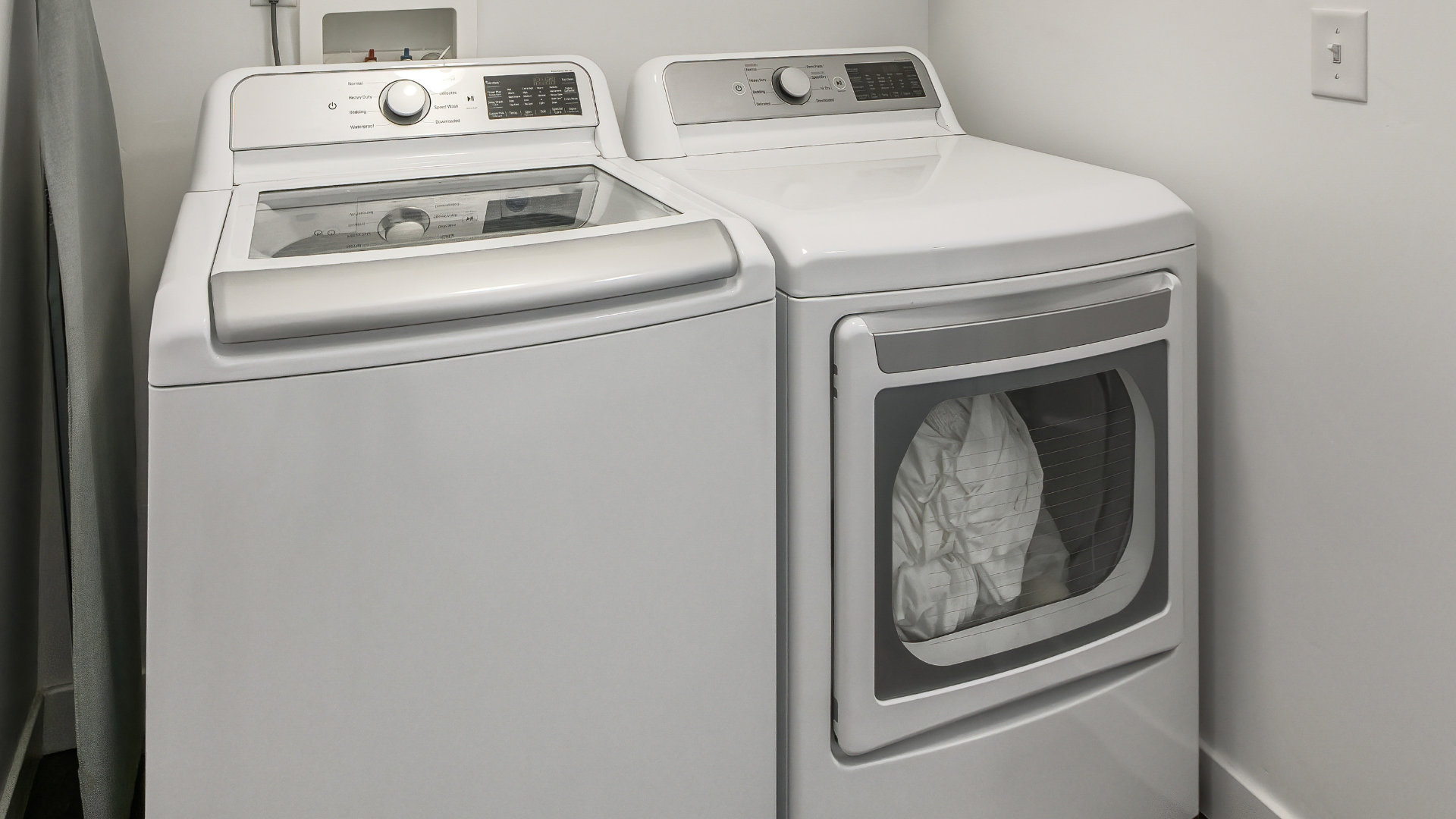
The DC code means the dryer door is not properly closed. The machine detects the door as open or ajar. This stops the drying cycle for safety reasons. The sensor inside the dryer checks the door latch. If it does not sense a secure closure, the DC code appears on the display. This prevents the dryer from running and protects users from accidents.
Common Causes Behind The Error
Lint or debris can block the door seal and latch, causing the error. A worn or broken door latch may fail to lock the door. Hinges can become loose or misaligned, preventing full closure. The door sensor itself might be faulty or damaged. Sometimes, the dryer’s control board has glitches that show false errors. Checking these parts usually helps find the root cause quickly.
Credit: applianceexpresstx.com
Quick Door Checks
Quick door checks are essential to fix the Samsung Dryer DC code. The error often happens because the dryer door is not fully closed or the latch has a problem. Checking the door quickly can save time and avoid unnecessary repairs. Simple steps can help ensure the door works perfectly.
Ensuring Full Door Closure
Open the dryer door fully. Then, close it firmly until it clicks shut. A door that is not completely closed triggers the DC error code. Press gently but firmly to make sure the latch catches. Watch for any gaps around the door edge. The door must sit flush with the dryer body.
Clearing Lint And Debris
Lint or dirt can block the door from closing properly. Check the door seal and latch area for lint build-up. Use a soft brush or cloth to remove any debris. Cleaning these areas helps the door close tightly. Keep this part clean to avoid repeated DC errors.
Inspecting Door Latch And Hinges
Open and close the door several times. Listen for a solid clicking sound from the latch. If the latch feels loose or stuck, it may need repair. Check the hinges for any signs of damage or misalignment. Hinges must allow smooth door movement without wobbling. Fixing latch or hinge problems often clears the DC code issue.
Power Reset Steps
The Samsung dryer DC error code often signals a door communication problem. A simple power reset can sometimes clear this error. This process helps reset the dryer’s internal electronics and may fix minor glitches. Follow these power reset steps carefully to avoid damage and ensure safety.
Unplugging The Dryer Safely
First, locate the dryer’s power cord. Gently unplug it from the wall outlet. Avoid pulling the cord forcefully to prevent damage. If you cannot reach the plug, turn off the circuit breaker instead. Wait at least five minutes. This pause allows the dryer’s system to fully power down and reset.
Restoring Power And Testing
Plug the dryer back into the outlet or switch the circuit breaker on. Press the start button to turn on the dryer. Watch the display for any error codes. Close the door firmly and listen for a click. If the DC code no longer appears, the reset worked. If the code returns, check the door latch and sensor for problems.
:max_bytes(150000):strip_icc()/Troubleshooting-samsung-dryer-error-codes-2147296_color-2a4a811407904239b11b4adae5ce2b03.jpg)
Credit: www.thespruce.com
Door Sensor Troubleshooting
The door sensor plays a key role in your Samsung dryer’s operation. It confirms the door is fully closed before starting a cycle. A faulty sensor can trigger the DC error code. Troubleshooting the door sensor helps identify if it causes the problem. This section guides you through simple steps to test and inspect the sensor and its wiring.
Testing The Door Sensor Function
Start by unplugging the dryer for safety. Locate the door sensor near the door latch. Use a multimeter set to continuity mode. Press the sensor switch manually. The multimeter should beep or show zero resistance. No beep means the sensor is faulty. Replace the sensor if it fails this test. Also, check if the sensor moves freely without sticking. A stuck sensor may not detect the door properly.
Checking Sensor Wiring And Connectors
Inspect the wiring connected to the door sensor. Look for loose, frayed, or damaged wires. Firmly reconnect any loose connectors. Clean any corrosion on the contacts with a dry cloth. Damaged wires can cause false signals. Trace the wires back to the control board. Make sure all connections are secure and intact. Repair or replace damaged wiring as needed. Proper wiring ensures accurate sensor signals to the dryer.
When To Call A Professional
Knowing when to call a professional for your Samsung dryer is key. Some door switch problems seem simple but hide deeper issues. Trying to fix complex problems alone may cause more damage. A trained technician has the right tools and knowledge to handle tricky repairs safely. Calling for help saves time and avoids frustration.
Signs Of Complex Door Switch Issues
Persistent dC error codes even after simple checks are a red flag. The dryer may not start or stop mid-cycle with a faulty door switch. You might hear unusual noises or find the door latch loose or broken. If the dryer’s light stays on or the door feels misaligned, the switch might be damaged. These signs mean the problem goes beyond cleaning or closing the door properly.
Locating Authorized Samsung Repair Services
Samsung’s authorized repair centers offer certified service and genuine parts. Search the official Samsung website for nearby service locations. Choose a provider with good reviews and verified credentials. Booking an appointment online saves time and ensures quick help. Professional repair services protect your dryer’s warranty and keep it running smoothly.
Preventive Care Tips
Preventive care plays a key role in avoiding the Samsung Dryer DC error code. Regular maintenance keeps your dryer working smoothly and extends its life. Simple habits help spot problems early and prevent costly repairs.
Focus on two main areas: the door and latch, and the sensors and wiring. Keeping these parts clean and checked reduces error codes and improves drying performance.
Regular Door And Latch Cleaning
Lint and debris often collect around the dryer door and latch. This buildup can stop the door from closing fully. A door that does not close properly triggers the DC error code.
Clean the door seal and latch area weekly. Use a soft cloth and mild soap to remove lint and dirt. Avoid harsh chemicals that might damage the seal.
After cleaning, test the door by closing it firmly. You should hear a solid click. If the door feels loose or won’t latch, check for worn or damaged parts.
Routine Sensor And Wiring Inspections
The DC error can also come from faulty sensors or wiring problems. Sensors detect if the door is closed and if the dryer is safe to run.
Inspect sensors for dust or damage every month. Gently wipe sensors with a dry cloth to keep them clean. Avoid pressing too hard to prevent damage.
Check wiring connections behind the dryer for loose or frayed wires. Power off the dryer before inspecting wires. Tighten any loose connections carefully.
Routine inspections catch problems before they cause errors. If sensors or wiring seem faulty, seek professional repair to avoid further damage.
Helpful Online Resources
Finding the right information to fix a Samsung dryer displaying the DC error code can save time and effort. Helpful online resources guide users through understanding and resolving this issue. These resources provide clear instructions and demonstrations suitable for all skill levels.
Many users benefit from visual learning and step-by-step troubleshooting guides. Reliable sources offer detailed explanations that simplify complex repair steps. Access to these tools helps maintain the dryer’s performance and extends its lifespan.
Recommended Video Tutorials
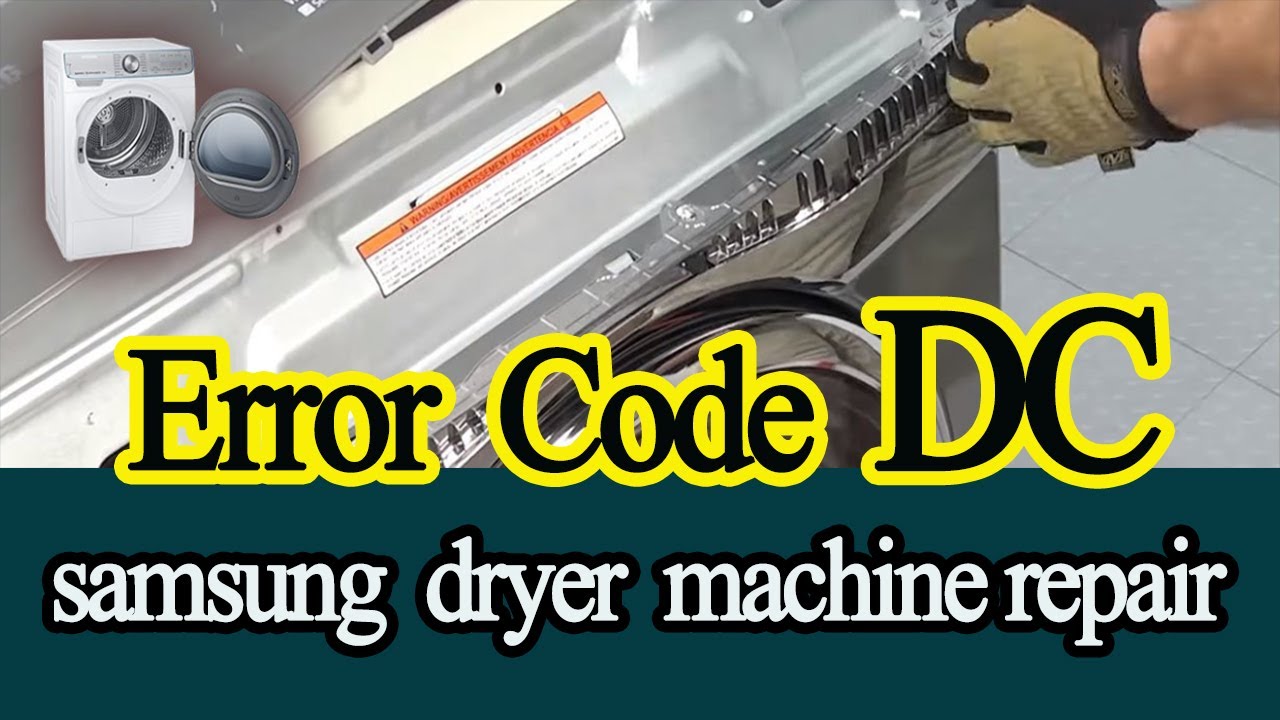
Video tutorials show the exact steps to fix the DC error code. Watching someone perform the repair builds confidence and reduces mistakes. These videos cover common causes like door misalignment, sensor faults, and latch problems. Users can pause and rewind to follow at their own pace. Many creators use simple language and clear visuals, making the process easy to understand.
Samsung Official Troubleshooting Guides
Samsung’s official guides provide trusted information directly from the manufacturer. These documents explain error codes, including DC, in plain language. They offer safety tips and proper repair procedures. Users find useful diagrams and checklists for diagnosing issues. Following these guides ensures repairs meet warranty standards and avoid further damage.
Credit: www.youtube.com
Frequently Asked Questions
How Do You Fix A Dc Code On A Samsung Dryer?
To fix a Samsung dryer dC code, close the door firmly and clear lint or debris. Unplug the dryer for one minute to reset. Check the door latch, hinges, and sensor for damage. Replace faulty parts if needed or contact a professional for repair.
What Does Dc Mean On My Samsung Tumble Dryer?
The dC error on a Samsung tumble dryer means the door isn’t fully closed or the door sensor has a fault. Check the door latch and seal for obstructions. Unplug the dryer for a reset. Persistent issues may require sensor repair or replacement by a technician.
What Does Dc Mean For A Dryer?
The dC error on a Samsung dryer means the door is not properly closed or the door sensor is faulty. Check the door latch, clean debris, and ensure full closure. Unplug and reset the dryer to clear errors. Persistent issues may require sensor or latch repair.
How To Reset Samsung Dryer Error Code?
To reset a Samsung dryer error code, fully close the door and clear lint or debris. Unplug the dryer for one minute, then plug it back in. Run a test cycle. If the error persists, inspect or replace the door latch, sensor, or wiring.
What Does The Dc Code Mean On A Samsung Dryer?
The DC code shows the dryer door is not fully closed or detected as open.
Conclusion
Samsung dryer DC code often signals a door issue. Make sure the door closes fully and clean any lint. Restart the dryer by unplugging it briefly to reset the system. Persistent DC errors might mean a faulty latch or sensor.
Simple checks can save time and avoid costly repairs. Keep your dryer in good shape by regular cleaning and inspection. Understanding the DC code helps maintain your dryer’s performance. Stay attentive to error codes for smoother laundry days.