
Is your LG washer refusing to turn on no matter what you try? It’s frustrating when your trusted machine suddenly stops working, leaving you with a pile of laundry and no easy solution.
But don’t worry—you’re not alone, and this problem is often fixable without calling a repair technician. You’ll discover simple, step-by-step ways to troubleshoot why your LG washer won’t power up. From checking the basics like power supply and door locks to understanding how to reset the machine, you’ll gain the confidence to tackle the issue yourself.
Keep reading, and you’ll be one step closer to getting your washer back in action quickly and easily.
Check Power Supply
When your LG washer won’t turn on, the power supply is the first area to check. A washer needs a steady flow of electricity to work. Problems with power can stop the washer from starting. Confirming the power source is safe and working can save time and effort. Follow these simple steps to verify your washer’s power supply.
Verify Power Cord And Outlet
Look at the power cord for any damage or frays. A broken cord can stop electricity from reaching the washer. Make sure the plug is fully inserted into the outlet. Loose connections can cause power failure. Check the outlet for any visible damage or burn marks. Avoid using outlets that show signs of wear.
Reset Circuit Breaker
Locate the circuit breaker panel in your home. Find the breaker connected to the washer’s outlet. If the breaker is tripped, switch it off and then back on. This resets the power flow to the outlet. A tripped breaker often means a short circuit or overload. Resetting it can restore power to the washer.
Test Outlet With Another Device
Plug a lamp or phone charger into the same outlet. If the device does not work, the outlet may be faulty. Try another nearby outlet to see if it has power. No power means the issue is with your home’s electrical system. Fixing outlet problems may require a qualified electrician.

Credit: www.reddit.com
Inspect Door And Lid
Checking the door and lid of your LG washer is important if it won’t turn on. The washer often won’t start if the door is open or the lid switch is faulty. These parts help the machine know it’s safe to run.
Inspecting these components is simple and can save time and money. Start by making sure the door closes properly. Then, look at the door lock assembly for damage. Finally, test the lid switch to see if it works correctly.
Ensure Door Is Fully Closed
The washer’s door must close tightly to start the cycle. A door that is slightly open stops the washer from powering on. Check for any objects blocking the door. Push the door firmly until you hear a click. This click means the door is locked and ready.
Examine Door Lock Assembly
The door lock assembly keeps the door securely shut during the wash. A broken lock can prevent the washer from starting. Look for cracks, broken parts, or loose screws in the lock area. If you see damage, the lock might need to be replaced to fix the problem.
Test Lid Switch Continuity
The lid switch tells the washer if the lid is closed. Use a multimeter to check the switch’s continuity. Set the multimeter to the lowest setting for resistance. Press the lid switch button and watch the meter. A steady reading means the switch works. No reading means it may be faulty and must be replaced.
Perform Hard Reset
Performing a hard reset on your LG washer can often fix power issues quickly. This simple process clears minor electronic glitches. It helps the machine reboot and work properly again.
Follow these easy steps carefully. Each step ensures your washer resets fully. This method works well if the washer won’t turn on or shows no signs of power.
Unplug And Power Off
First, press the power button to turn off the washer. Then unplug the power cord from the wall outlet. This cuts all electricity to the machine. Leave it unplugged for at least one minute.
Discharge Residual Electricity
Press and hold the power button on the washer for 10 to 15 seconds. This step drains any leftover electricity inside the washer. It helps clear the memory of the control board.
Plug In And Restart
Plug the washer back into the power outlet. Press the power button to turn the machine on. Watch for lights or sounds that show it is powering up correctly.
Run Test Cycle
Run a short, empty wash cycle to test the reset. Listen for normal sounds and check if the drum spins. This confirms the washer is working after the reset.

Credit: www.servicecare.net
Try Alternative Reset Methods
When your LG washer won’t turn on, basic resets may not always fix the issue. Trying alternative reset methods can help clear errors or glitches in the system. These methods are simple and often resolve power or startup problems quickly. Follow these easy steps to try alternative resets before calling for repairs.
Open And Close Door Multiple Times
The washer’s door lock sensor might block startup if it detects a problem. Opening and closing the door several times can reset this sensor. Do it slowly and firmly to make sure the latch engages properly. This action can clear minor faults that stop the washer from turning on. After several tries, press the power button again to test if the machine starts.
Unplug For Extended Period
Unplug the washer from the power outlet and leave it disconnected for at least 5 minutes. This allows the internal electronics to fully reset and clear any stored errors. Some problems need longer power interruptions to reset the control board. After waiting, plug the washer back in and turn it on. Running a quick cycle helps check if the reset was successful.
Inspect Internal Components
Inspecting the internal components of your LG washer can reveal hidden problems. These parts control the washer’s power and functions. A thorough check can help find damage or faults that stop your washer from turning on.
Careful inspection ensures you do not overlook simple fixes. It helps avoid costly repairs or unnecessary replacement. Start by opening the washer’s control panel and looking inside with good lighting. Use a flashlight if needed.
Check Main Control Board For Damage
The main control board acts like the washer’s brain. It sends signals to different parts to start the machine. Examine the board closely for cracks, corrosion, or loose connections. Any visible damage may cause the washer not to power up.
Look for signs of water damage or burnt marks. These signs mean the board might need replacement. Ensure all cables are firmly connected to the board. Loose wires can stop the washer from turning on.
Look For Burnt Or Faulty Parts
Burnt parts often look blackened or melted. Check capacitors, resistors, and fuses on the control board. These components can fail due to electrical surges or wear. Faulty parts can break the power circuit.
Use a multimeter to test components for continuity. Replace any parts that show faults or no continuity. Cleaning dust and debris from the internal parts can also improve connections. Keep the area dry to prevent future issues.
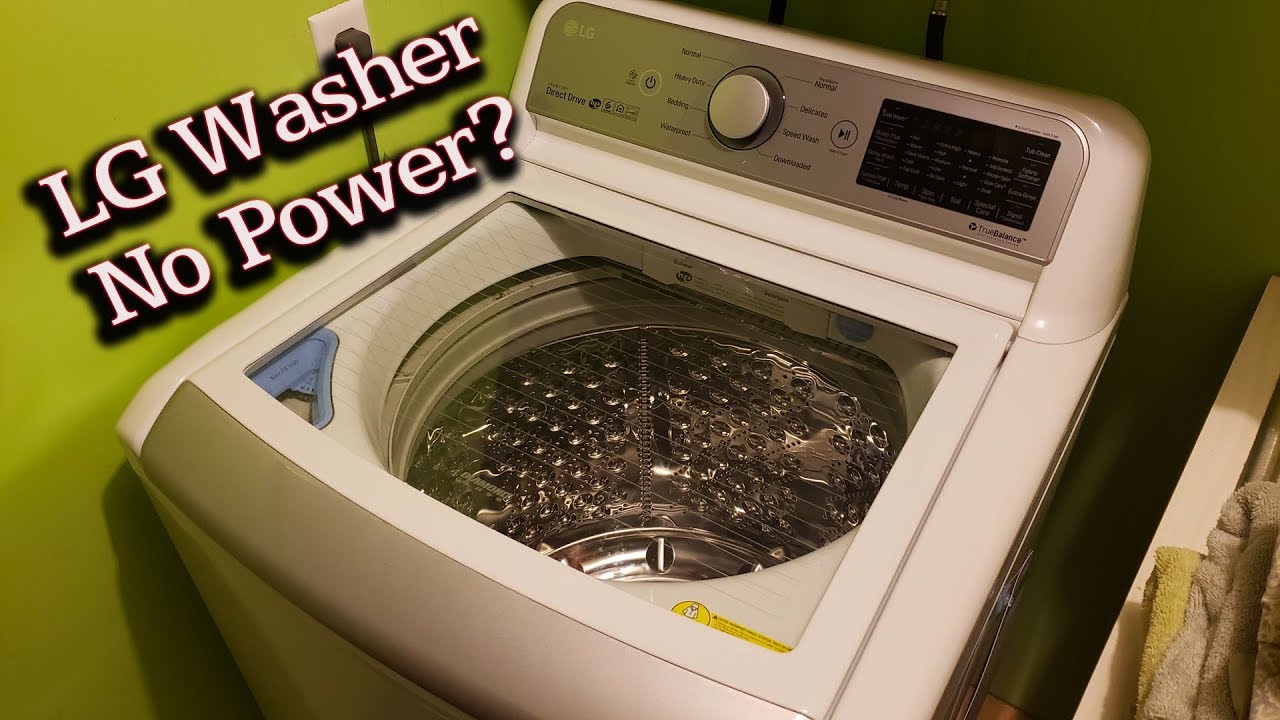
Credit: www.youtube.com
Check For Error Codes
Checking for error codes is a key step if your LG washer won’t turn on. The machine often shows codes to explain what is wrong. These codes help you understand the problem quickly. Reading and understanding error codes can save time and money on repairs.
Some codes point to simple fixes you can do yourself. Others may mean you need a technician. Always start by looking at the display panel for any messages or codes. This gives a clear clue about the issue.
Identify Displayed Error Messages
Look at the washer’s display screen carefully. Error messages usually appear as letters and numbers. They may flash or stay steady on the screen. Note down the exact code shown. This code is important for troubleshooting.
Some common codes include “OE” for drainage problems or “LE” for motor issues. The error code helps narrow down the cause. Do not ignore these messages as they guide your next steps.
Consult Manual For Code Meanings
Use your LG washer’s manual to find what each code means. Manuals list all error codes with explanations. They also offer basic solutions to try. If you lost the paper manual, check LG’s official website. Most manuals are available online for free download.
Follow the manual’s advice carefully. It may tell you to reset the machine or check certain parts. Understanding the code can prevent further damage. Manuals help you fix simple problems safely.
Test Start Button And Controls
When an LG washer won’t turn on, testing the start button and controls is a key troubleshooting step. These parts send signals to the washer’s system to begin the wash cycle. If they fail, the washer may stay off. Checking their function helps identify simple faults that block startup.
Sometimes the start button may get stuck or stop working due to dirt or wear. Control panels can also develop glitches or errors that prevent the washer from powering on. Testing these parts can save time and avoid unnecessary repairs.
Verify Button Functionality
Press the start button firmly and observe if any lights or sounds respond. A good start button usually clicks or activates a light. If nothing happens, the button may be faulty or disconnected.
Check for visible damage like stuck buttons or debris under the panel. Use a multimeter to test button continuity if you have one. This step confirms if the button sends the correct electrical signal.
Replace the start button if tests show no connection or mechanical failure. A working button is essential to begin any wash cycle and power the machine.
Reset Control Panel
The control panel manages washer commands and communicates with internal parts. Sometimes it locks up or freezes, causing no response from the machine. Resetting the panel can clear these errors.
Turn off the washer and unplug it from the power source. Wait for about one minute to discharge all residual power. Plug the washer back in and press the power button.
Try pressing the start button again. A reset can restore control panel function and allow the washer to turn on normally. Repeat the reset process if needed for persistent issues.
When To Call Professional Help
Knowing when to call professional help for your LG washer that won’t turn on is important. Some problems need expert care to avoid risks and extra costs. If your washer shows signs of serious electrical issues or you want to stop further damage, a technician is the best choice. Below are clear signs and tips to guide you.
Signs Of Major Electrical Issues
Your LG washer may have major electrical problems if it shows these signs:
- No power at all, even after checking the outlet.
- Burning smell or smoke near the washer.
- Flickering lights or sparks inside the machine.
- Tripped circuit breaker every time you try to start the washer.
- Unusual sounds like buzzing or humming without starting.
These symptoms can mean dangerous electrical faults. Avoid trying to fix these yourself. Call a professional to check the wiring and parts safely.
Avoiding Further Damage
Do not keep trying to turn on the washer if it won’t start. Constant attempts may harm the control board or motor.
Unplug the washer immediately to stop any electrical flow. This prevents short circuits or fires.
Do not open the machine unless you know how to handle electrical components. Water and electricity together can cause shocks.
Wait for a qualified technician to diagnose and repair the issue. This saves money and keeps your home safe.
Frequently Asked Questions
Why Is My Lg Washer Not Powering On?
Check the power outlet and cord for issues. Ensure the door is fully closed. Inspect the control board and door lock. Test the lid switch for continuity. These steps often resolve LG washer power problems.
Is There A Reset Button On My Lg Washer?
LG washers do not have a dedicated reset button. To reset, unplug the washer for one minute, then plug it back in and power it on. This hard reset can resolve minor issues and restore normal function.
Why Is My Washer Not Turning On At All?
Your washer may not turn on due to power issues, a faulty door lock, or a tripped circuit breaker. Check the outlet, power cord, and ensure the door is fully closed. Inspect internal components like the control board or lid switch for damage or failure.
Why Is There No Power Going To My Washing Machine?
No power to your washing machine usually means a tripped breaker, unplugged cord, faulty outlet, or a broken door lock switch. Check power source and door latch first.
Why Won’t My Lg Washer Turn On At All?
Check if the washer is plugged in and the power outlet works correctly.
Conclusion
Troubleshooting an LG washer that won’t turn on can save time and money. Start by checking power connections and the outlet. Resetting the machine often resolves simple issues quickly. Inspect door locks and control boards for visible damage. Small steps can prevent unnecessary repairs or replacements.
Stay calm and follow clear instructions carefully. Getting your washer working again is possible with patience. Keep this guide handy for future reference. Your laundry routine will soon be back on track.