
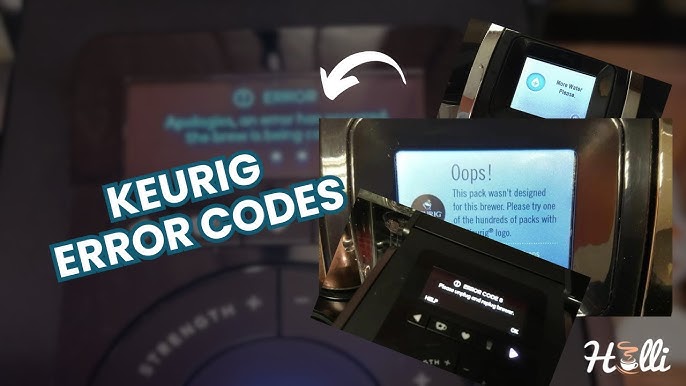
Is your Keurig suddenly showing Error Code 2 and leaving you without your much-needed coffee fix? You’re not alone, and the good news is this error is usually a sign of a simple issue that you can fix yourself.
Error Code 2 often points to a problem with water flow or a sensor glitch, usually caused by mineral buildup or blockages inside your machine. Imagine getting your favorite brew back in minutes without calling for expensive repairs! You’ll discover easy, step-by-step solutions to clear the error, clean your Keurig, and get it working like new.
Keep reading to reclaim your coffee ritual and say goodbye to that frustrating error code for good.
Credit: www.youtube.com
Error Code 2 Causes
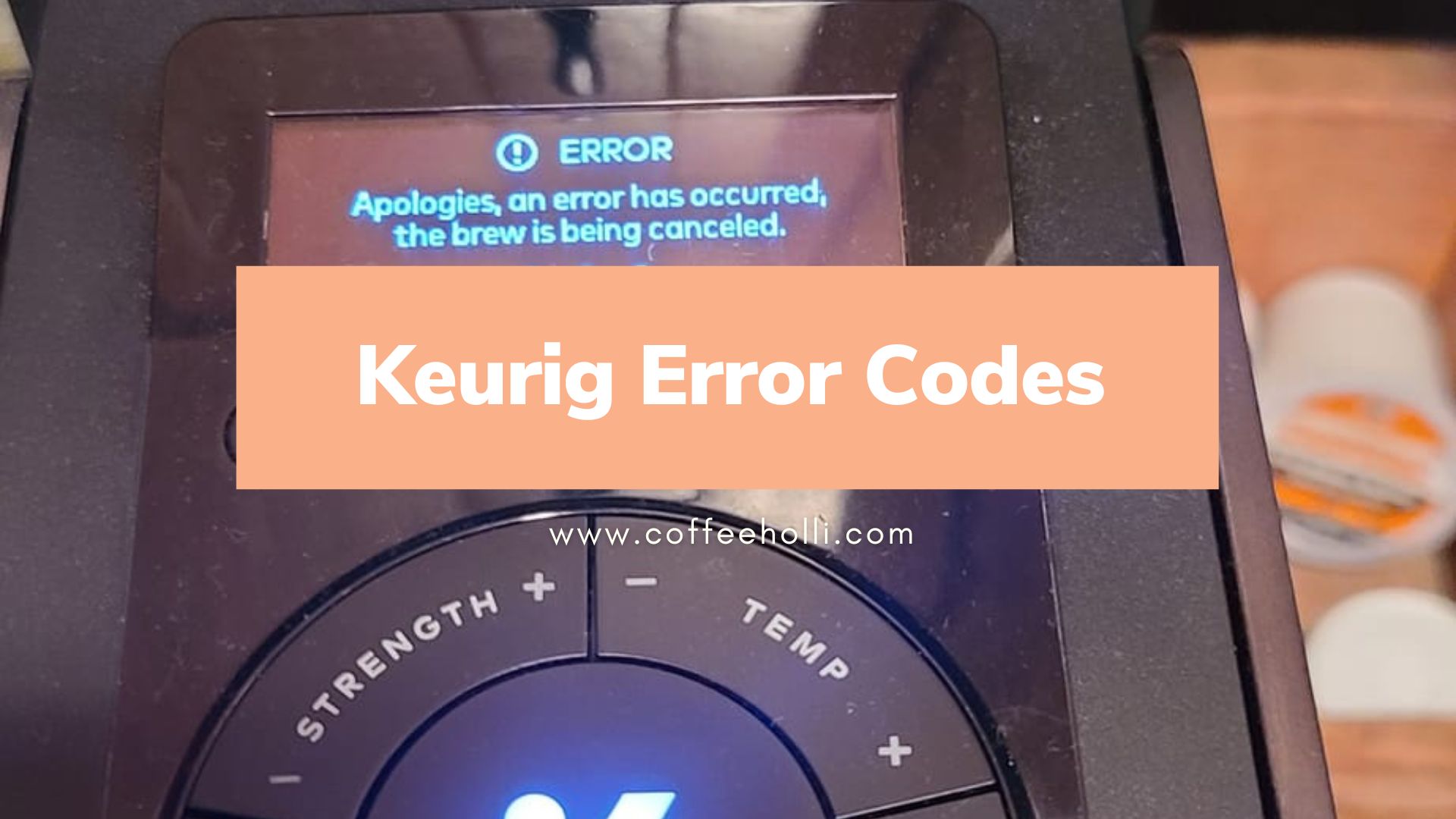
Keurig Error Code 2 usually signals a problem with water flow inside the machine. Understanding the causes helps fix the issue faster. The error often stops the coffee maker from brewing properly. Below are common reasons why this error appears.
Water Flow Issues
Water must flow smoothly for brewing to work. Blocked or slow water flow triggers Error Code 2. The water pump or internal tubes can get clogged. Low water pressure or an empty reservoir also cause flow problems. Check the water supply and tube connections first.
Mineral Buildup
Hard water leaves minerals inside the machine. These minerals block water paths and parts. Over time, buildup reduces water flow. Descaling the Keurig removes these mineral deposits. Regular cleaning prevents this cause of Error Code 2.
Sensor Problems
Sensors detect water levels and flow in the brewer. If a sensor fails or gets dirty, it sends wrong signals. This mistake can trigger Error Code 2. Cleaning or replacing faulty sensors solves this problem. Sensors must be checked carefully.
Blocked Needles
Keurig needles puncture the coffee pods to brew. These needles can get clogged with coffee grounds. Blocked needles stop water from flowing into the pod. Cleaning the needles with a needle cleaning tool clears the blockage. This step often fixes Error Code 2.
Resetting Your Keurig
Resetting your Keurig is a simple way to clear error code 2 and get brewing again. This process refreshes the machine’s system. It helps solve minor glitches that cause the error. Follow these easy steps to reset your Keurig and enjoy your coffee without delay.
Unplug And Remove Reservoir
First, unplug your Keurig from the power outlet. This ensures safety during the reset. Next, carefully remove the water reservoir from the machine. Check for any debris or blockages inside the reservoir. Clean it if needed to improve water flow. Let the reservoir sit aside while you continue with the reset.
Reattach And Power On
Once the reservoir is clean and dry, reattach it firmly to the Keurig. Make sure it clicks into place securely. Plug the machine back into the power source. Turn on your Keurig and allow it to reset completely. This step clears the error code and restores normal function. Try brewing a cup to confirm the fix.
Cleaning The Needles
Cleaning the needles of your Keurig is essential to fix Error Code 2. Blocked needles stop water from flowing correctly. This causes brewing issues and machine errors. Regular cleaning keeps your machine working smoothly and coffee tasting great.
Removing The Brew Basket
Start by unplugging your Keurig for safety. Open the K-Cup holder and lift out the brew basket. This part holds the needles and K-Cup. Removing it gives clear access to the needles for cleaning.
Clearing Needle Blockages
Use a paperclip or needle to clear any clogs in the needles. Gently insert it into each needle hole to push out coffee grounds or debris. Avoid forcing it too hard to prevent damage. This step removes the main blockages causing Error Code 2.
Rinsing And Reassembling
Rinse the brew basket and needles under warm water. This washes away loosened debris and old coffee oils. Dry the parts with a clean cloth before putting them back. Reassemble the brew basket into the machine carefully. Plug in your Keurig and run a water-only brew cycle to check flow.

Credit: blog.usro.net
Descaling The Machine
Descaling the machine removes mineral buildup inside your Keurig. This buildup causes error code 2 and affects brewing. Regular descaling keeps your coffee tasting fresh and your machine working well. Follow these simple steps to descale safely and effectively.
Using Descaling Solution
Buy a Keurig-approved descaling solution. Empty the water reservoir and remove any pods. Fill the reservoir with the descaling solution. Place a large cup on the drip tray. Press the brew button to start the cycle. Repeat until the “add water” light turns on.
Vinegar And Water Method
Mix equal parts white vinegar and water. Pour the mix into the empty water reservoir. Put a large mug on the drip tray. Start the brew cycle to run the vinegar mixture through. Repeat until the reservoir is almost empty. This method helps dissolve mineral deposits.
Running Descale Brew Cycles
After filling the reservoir with descaling solution or vinegar mix, brew several cycles. Each cycle runs the liquid through the machine’s internal parts. This process breaks down and removes mineral deposits. Wait for the machine’s “add water” light to show before stopping.
Flushing With Fresh Water
Empty the reservoir and rinse it well. Fill it with fresh, clean water. Run multiple brew cycles with only water. This flushes out any leftover descaling solution or vinegar taste. Brew a final cup to check the flavor before using the machine normally.
Checking The Water Reservoir
Checking the water reservoir is a key step to fix Keurig Error Code 2. This error often relates to water supply issues within the machine. Ensuring the reservoir is correctly filled and positioned can prevent this problem. A few simple checks can help your Keurig work smoothly again.
Proper Filling Levels
Always fill the water reservoir up to the “max fill” line. Too little water can cause the machine to stop brewing. Overfilling can also create problems inside the brewer. Use clean, fresh water for best results. Keeping the right water level helps your Keurig run without errors.
Ensuring Correct Placement
Place the water reservoir firmly in its slot. It must sit flat and secure to connect properly. If the reservoir is loose, the machine may not detect the water. Push it gently until you hear a click or feel resistance. Proper placement ensures the water flows correctly into the brewer.
Avoiding Vacuum Seals
Sometimes a vacuum seal forms under the reservoir. This seal blocks water from flowing into the machine. To prevent it, lift the reservoir slightly while removing it. Also, avoid pressing down hard when placing it back. Breaking the vacuum seal allows water to flow freely and stops Error Code 2 from appearing.
Credit: hollicoffee.com
Inspecting K-cups And Filters
Inspecting the K-Cups and filters is a key step in fixing Keurig Error Code 2. Dirt or wrong pods can block the machine. Filters also affect water flow and taste. Checking these parts helps keep your Keurig running smoothly. This section guides you on using approved pods and checking the water filter for any issues.
Using Approved Pods
Use only pods made for Keurig machines. Generic or damaged pods can cause errors. Make sure the pod fits well in the holder. Avoid pods with torn foil or broken seals. These flaws stop water from passing through. Using approved pods prevents clogging and error messages.
Checking The Water Filter
Remove the water filter from the reservoir. Rinse it under cold water to clear debris. Replace the filter every two months or as recommended. A clogged filter slows water flow and triggers errors. Keep the filter clean for better taste and machine health.
Additional Troubleshooting Tips
Dealing with Keurig Error Code 2 can be frustrating. Sometimes basic fixes do not work. Extra steps might be needed to resolve the issue. These additional troubleshooting tips can help you get your coffee maker running again quickly. Follow the instructions carefully for the best results.
Repeated Brew Attempts
Try brewing more than once if the error appears. Sometimes the machine needs a second or third try to reset. Before retrying, remove and reinsert the K-Cup pod. Make sure the pod is seated properly. Also, check if the water reservoir is full. After each attempt, wait a few seconds before brewing again. This process can clear minor blockages or sensor errors.
Contacting Support
If repeated brew attempts fail, contact Keurig support. They can guide you through advanced troubleshooting steps. Have your model number and purchase details ready. Support may suggest service or replacement if needed. Using official channels ensures you get the correct help. Do not try to fix internal parts on your own. Professional assistance keeps your machine safe and under warranty.
Frequently Asked Questions
How Do I Reset My Keurig 2?
To reset your Keurig 2, unplug it and remove the water reservoir. Reattach the reservoir, plug it in, and turn it on. Clean the needles with a paperclip to clear clogs. Descale the machine regularly to prevent errors and maintain performance.
How Do You Unclog A Keurig 2.0 Water Line?
Unclog the Keurig 2. 0 water line by descaling with vinegar or descaling solution. Clean both needles using a paperclip. Run multiple brew cycles with fresh water to rinse. Reassemble parts securely and test the machine.
How To Unclog A Keurig 2.0 Needle?
Unplug your Keurig 2. 0. Remove the K-Cup holder. Use a paperclip to gently clear the entrance and exit needles. Reassemble and run a water-only brew cycle to flush.
How To Descale Keurig 2?
To descale Keurig 2, empty the reservoir and add descaling solution or half vinegar, half water mix. Run brew cycles until “add water” lights. Rinse reservoir, refill with fresh water, and run multiple brews to flush the machine.
What Does Keurig Error Code 2 Mean?
Error code 2 means your Keurig has a heating issue or temperature sensor problem.
Conclusion
Keurig Error Code 2 often signals water flow or sensor troubles. Cleaning and descaling the machine usually helps fix this issue. Regular maintenance keeps your Keurig working smoothly. Always unplug the machine before any cleaning. Follow simple steps to reset and clear the error code.
Taking care of your coffee maker saves time and frustration. Enjoy fresh coffee without interruptions by addressing errors promptly.