
Is your Kenmore washer showing the frustrating “OE” error code? If so, you’re not alone, and you don’t have to let this problem disrupt your laundry routine.
The OE code means your washer isn’t draining water properly, but the good news is that you can often fix it yourself without calling a costly repair service. You’ll discover simple, step-by-step solutions to tackle the OE code head-on — from checking the drain pump filter to inspecting the drain hose and even knowing when the pump might need replacement.
Keep reading, and you’ll learn exactly how to get your Kenmore washer back to working smoothly, saving you time, money, and stress.
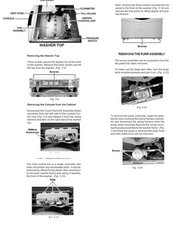
Credit: www.ifixit.com
What The Oe Code Means
The Kenmore washer OE code signals a drainage problem. This error stops the washer from spinning or draining properly. Understanding this code helps you fix the issue quickly. It points to water not leaving the washer as it should. This can cause the cycle to stop or not complete.
Various parts of the washer can cause the OE code. These include the drain pump, drain hose, or filter. A blockage or mechanical failure often triggers the code. Knowing what the OE code means helps you check these parts step-by-step.
What The Oe Code Stands For
OE means “Overflow Error” or “Drainage Error.” The washer detects water that cannot drain out. It then shows the OE code to warn you. This error keeps the washer from overflowing or flooding your home.
Common Causes Of The Oe Code
Blockages in the drain hose or pump are common causes. The drain pump filter may be clogged with lint or small objects. Sometimes the drain hose is kinked or bent. A broken or faulty drain pump can also cause this error.
Why The Washer Stops With Oe Code
The washer stops to prevent water damage. It waits for you to fix the drainage problem. If water stays inside, it can cause leaks or damage. The OE code protects your machine and home from flooding.
How To Check For Drainage Issues
Start by unplugging the washer for safety. Open the access panel at the front bottom. Use a pan to catch water before opening the filter. Remove debris from the filter and clean it well. Check the drain hose for kinks or clogs. Make sure the hose is not pushed too far into the standpipe.
Checking The Drain Pump Filter
Checking the drain pump filter is a key step to fix the Kenmore washer OE code. The OE code means the washer cannot drain water properly. A clogged drain pump filter often causes this problem. Cleaning the filter helps water flow freely and stops the error code.
Locating The Filter Access Panel
The filter access panel is at the front bottom of the washer. It is a small door or cover. Open it carefully using your hands or a flat tool. Inside, you will find the drain pump filter. This area may have some water, so prepare for that.
Draining Water Safely
Place a shallow pan or towel under the access panel. Some washers have a small hose nearby to drain water first. Slowly open the filter cap to release water into the pan. This step prevents spills and keeps your floor dry.
Cleaning Debris From The Filter
Remove the filter by unscrewing it completely. Check for lint, coins, or small objects blocking the filter. Clean all debris using your fingers or a soft cloth. Rinse the filter under running water if needed. Reinstall the filter tightly and close the panel securely.
Inspecting The Drain Hose
The drain hose plays a key role in your Kenmore washer’s drainage system. Inspecting it carefully can help fix the OE error code. The OE code appears when the washer cannot drain water properly. Checking the drain hose helps spot issues that block water flow. This section guides you through inspecting the drain hose step by step.
Identifying Kinks And Bends
Look along the entire length of the drain hose. Kinks or sharp bends stop water from flowing freely. These blockages cause the OE error code to appear. Straighten the hose gently to remove any bends. Avoid pulling or twisting the hose too hard. A smooth hose ensures water drains quickly and fully.
Clearing Blockages
Check inside the drain hose for dirt or debris. Small objects like lint, coins, or hair can clog it. Use a long brush or flexible wire to clear blockages. Flush the hose with water if needed. Removing clogs restores proper drainage. This step often solves the OE code issue.
Proper Hose Positioning
Place the drain hose correctly in the drain pipe or standpipe. The hose should not go too far inside the pipe. Pushing it in too deep can cause water to siphon back. Secure the hose at the right height to prevent leaks. Proper positioning helps water drain without problems. This reduces the chance of the OE error code.
Resetting The Washer
Resetting your Kenmore washer can often clear the OE error code. This code signals a drainage problem. Resetting helps the machine recheck its functions and clear minor glitches. Follow simple steps to reset the washer safely and effectively. This can save you time and avoid unnecessary repairs.
Running Drain Or Spin Cycles
Start by running a drain or spin cycle on your washer. These cycles force the machine to pump out water. They can help clear small clogs in the drain system. Watch if the OE code disappears during or after the cycle. If the code stays, proceed with other reset steps.
Unplugging And Power Cycling
Unplug the washer from the power outlet. Leave it unplugged for about five minutes. This lets the washer’s control board reset completely. Plug the washer back in and turn it on. Run a test cycle to see if the OE code clears. Power cycling often fixes minor electronic issues causing the error.
When To Replace The Drain Pump
Knowing when to replace the drain pump in your Kenmore washer helps avoid long-term damage. The drain pump removes water during the wash and spin cycles. Over time, it can wear out or get clogged. Ignoring pump problems leads to poor drainage and error codes like OE. Replacing the pump restores proper function and stops water issues. Watch for clear signs before deciding to replace the pump.
Signs Of Pump Failure
Listen for unusual noises during draining or spinning. A humming or grinding sound may mean the pump motor is failing. Water that stays in the drum after a cycle shows the pump is not working. Error codes like OE or F21 often point to pump problems. Leaking water from the washer base can also indicate a broken pump seal. Slow draining or no draining are strong signs the pump needs replacement.
Steps For Pump Replacement
Unplug the washer to avoid electric shock. Move the machine to a place with enough room to work. Remove the back or front panel, depending on your model. Locate the drain pump, usually near the bottom. Disconnect the hoses attached to the pump carefully. Take out the screws holding the pump in place. Remove the old pump and replace it with a new one. Reattach the hoses and secure the pump with screws. Put the panel back on and plug in the washer. Run a cycle to check if the pump works properly.

Credit: www.youtube.com
Preventing Future Oe Errors
Preventing future OE errors on your Kenmore washer saves time and stress. These errors usually mean the washer cannot drain water properly. Simple care steps keep your machine running smoothly and stop drainage problems.
Regular Filter Maintenance
Clean the drain pump filter every few weeks. This filter catches lint, coins, and small objects that block water flow. Turn off and unplug the washer first. Open the small access panel near the bottom front. Use a shallow pan to catch water. Unscrew the filter cap slowly to release any water. Remove the filter and clear all debris. Rinse the filter under running water. Put the filter back and close the panel. Regular cleaning helps prevent clogs that cause OE errors.
Avoiding Drain Hose Issues
Check the drain hose often for kinks or bends. A bent hose stops water from flowing out. Make sure the hose is not pushed too far into the drain pipe. Too deep placement can cause water to siphon back. Remove any blockages found inside the hose. Keep the hose straight and properly positioned. These steps help maintain good drainage and reduce the chance of an OE code.
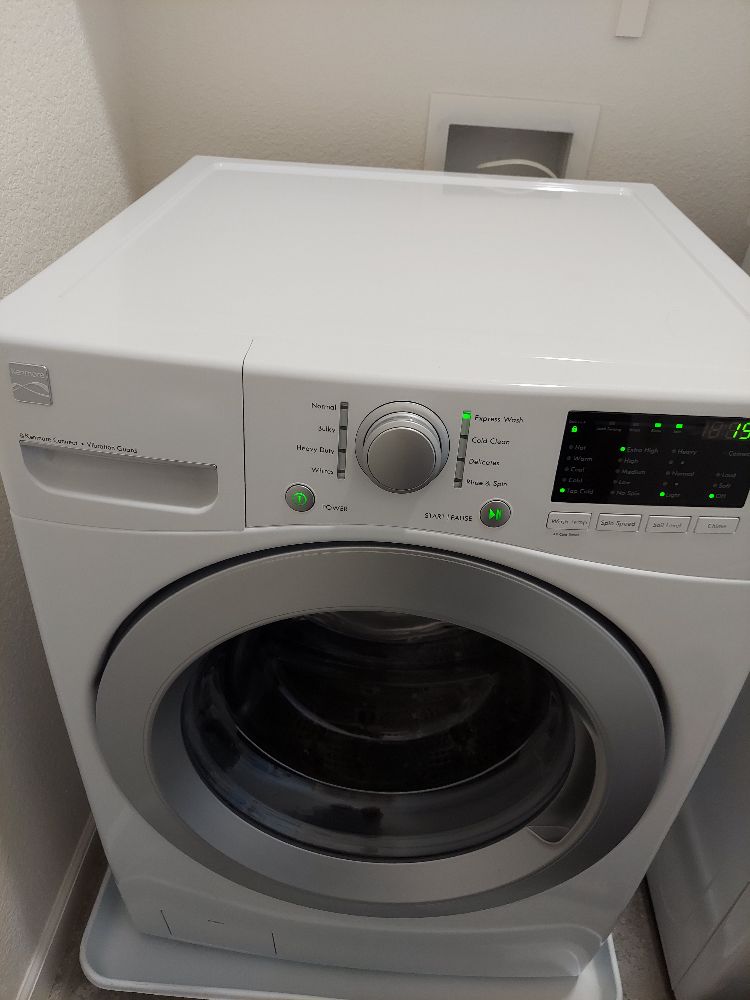
Credit: www.yourprimeservice.com
Frequently Asked Questions
How To Fix Oe Error Code Kenmore Washer?
Unplug the washer. Clean the drain pump filter and clear debris. Check and straighten the drain hose. Run a drain cycle to test. Reset by unplugging if needed. Replace the drain pump if the error persists.
How Do I Fix The Oe In My Washing Machine?
Unplug the washer and open the front access panel. Clean the drain pump filter and check the drain hose for clogs or kinks. Run a drain cycle to test. If the OE code persists, reset the machine or consider replacing the faulty drain pump.
Where Is The Drain Filter On A Kenmore Washing Machine?
The drain filter on a Kenmore washing machine is behind a small access panel at the front, near the bottom. Open the panel, unscrew the filter cap, remove the filter, and clean out debris. Then, replace the filter and close the panel to ensure proper drainage.
What Is An Oe Code?
An OE code on a washer signals a drainage problem. It usually means the machine can’t drain water properly. Check for clogs in the drain pump filter or hose. If unresolved, the drain pump might need replacement.
What Does The Kenmore Washer Oe Code Mean?
The OE code means the washer is not draining water properly.
Conclusion
The Kenmore washer OE code signals a drainage problem to fix. Cleaning the drain pump filter often solves the issue fast. Checking the drain hose for clogs or kinks helps clear blockages. Running a test cycle after these steps shows if the problem is gone.
If the error remains, the drain pump might need replacement. Always unplug the washer before any repair for safety. Simple fixes can save you time and money on repairs. Stay patient and follow each step carefully for the best results.