
Is your Whirlpool washer acting up or refusing to start? You’re not alone—and the good news is, you might not need a costly repair just yet.
Sometimes, all it takes is a simple reset to get your machine back in working order. In this guide, you’ll discover easy, step-by-step methods to reset your Whirlpool washer quickly and safely. Whether your washer is stuck mid-cycle, showing error codes, or just not responding, these proven techniques will help you troubleshoot and fix the problem without frustration.
Keep reading, and you’ll have your washer running smoothly again in no time.
Basic Reset Steps
Resetting a Whirlpool washer is often the first step in fixing minor issues. The basic reset steps clear any errors and restart the machine’s system. These steps are simple and require no special tools. Follow each step carefully to reset your washer effectively.
Power Off And Unplug
Start by turning off the washer using the power button. Make sure the machine is completely off. Next, unplug the washer from the electrical outlet. This cuts all power to the machine. Unplugging helps clear any temporary faults in the system.
Wait And Reconnect
Wait for at least one minute before reconnecting the power. This pause lets the washer’s internal computer reset fully. After waiting, plug the washer back into the power outlet securely. Ensure the connection is firm to avoid power interruptions.
Power On The Washer
Press the power button to turn the washer back on. Watch the display panel for any error messages. The machine should start normally without any alerts. This step confirms that the reset process was successful.
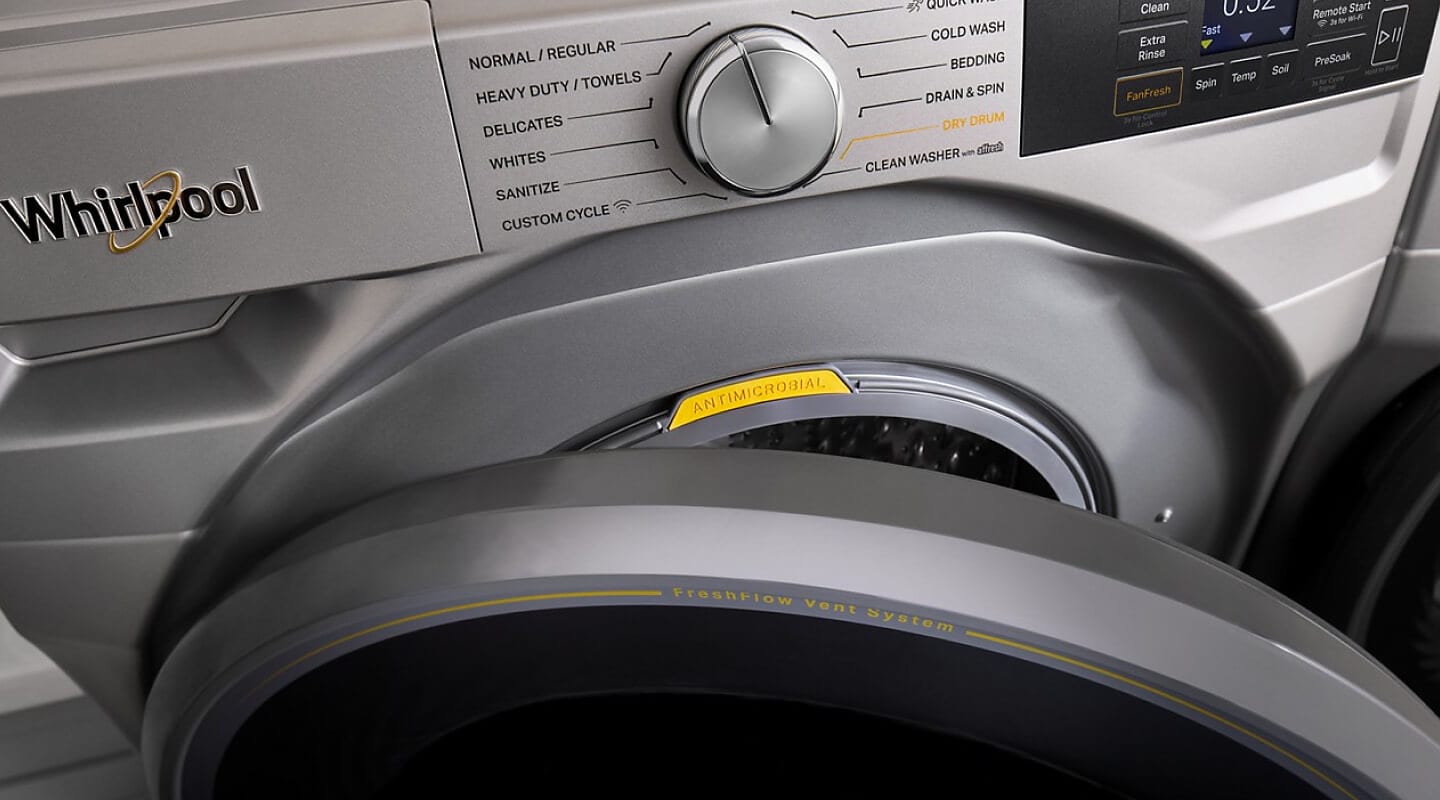
Credit: www.whirlpool.com
Master Reset Techniques
Resetting a Whirlpool washer can fix many common issues quickly. The master reset techniques help clear errors and restore normal function. These simple steps work for most Whirlpool models. Follow the instructions carefully to reset your washer at home. This saves time and repair costs.
Lid Opening And Closing Method
This method uses the washer’s lid to trigger a reset. Start by opening the lid fully. Then close it firmly. Repeat this open-close action about six times within 12 seconds. After the last close, wait for a few seconds. The washer will beep or lights may flash. This means the reset is complete. This technique often fixes lid lock and sensor errors.
Control Knob Sequence Reset
Some Whirlpool washers use a control knob for reset. Turn the knob to the “Off” position first. Next, rotate it clockwise to the “Spin” cycle. Then turn it to “Rinse.” Finally, set it back to “Off.” Do this sequence within 10 seconds. This resets the control board and clears error codes. It works well for top-load washers with manual dials.
Calibration Mode Reset
Calibration Mode Reset helps your Whirlpool washer perform at its best. It adjusts the machine to detect load size and balance correctly. This reset fixes issues like uneven spinning or error codes. Use the calibration mode to realign the washer’s sensors and motor.
Entering Calibration Mode
Start by turning the washer off. Press and hold the “Spin Speed” and “Soil Level” buttons simultaneously. While holding, press the “Power” button to turn the washer on. Release all buttons once the display shows “CAL” or similar. The washer is now in calibration mode.
Performing Recalibration
Open and close the lid to let the washer detect the drum position. The machine will fill with water automatically. Wait for the washer to sense the load and balance it. The drum will spin slowly to check weight distribution. Do not interrupt this process for accurate results.
Ending Calibration Process
Once the washer completes the cycle, the display will show “End” or “0:00”. Press the “Power” button to turn off the washer. Wait a few seconds, then turn it on normally. Your Whirlpool washer is now recalibrated and ready to use.
Model-specific Reset Tips
Resetting a Whirlpool washer can vary depending on the model you own. Each model may have unique steps or button sequences to follow. Knowing these specifics helps ensure a successful reset.
Some Whirlpool washers require pressing certain buttons in a specific order. Others may need you to open and close the lid multiple times. These model-specific tips make the process easier and faster.
Top-load Washer Sequences
Top-load Whirlpool washers often use a button sequence reset. Start by turning the washer off. Then, unplug it from the power source for about one minute.
Plug the machine back in and turn it on. Quickly press the “Start” button five times within 10 seconds. This sequence resets the control board on many top-load models.
Another method involves opening and closing the lid six times within 12 seconds. This action resets the lid switch and can clear error codes.
Consulting The Owner’s Manual
The owner’s manual is the best source for model-specific reset instructions. It provides exact button sequences and timing details.
If you don’t have the manual, visit the Whirlpool website. Enter your washer’s model number to find a digital copy. Follow the reset steps carefully to avoid damage.
Manuals also explain how to perform a full factory reset. This option can restore default settings and fix persistent errors.
Troubleshooting Common Issues
Troubleshooting common issues can help fix many Whirlpool washer problems. Simple checks often restore normal function. This saves time and avoids unnecessary repairs. Understanding basic problems helps you act quickly and confidently.
Common issues include power failures, error codes, and unresponsive controls. Checking these areas first can solve many problems without calling for help. Follow clear steps to identify and fix simple faults.
Power Supply Stability
Ensure your washer has a steady power supply. Unplug the machine and check the outlet with another device. Avoid using extension cords or power strips that may cause interruptions. A loose or faulty plug can stop the washer from working.
Reset the washer by disconnecting power for one minute. Plug it back in and press the power button to restart. This often clears minor electrical glitches. If the washer still won’t start, check your home’s circuit breaker for tripped switches.
When To Call A Technician
Call a technician if the washer shows repeated error codes. Persistent leaks, strange noises, or failure to drain need expert help. Avoid opening the machine yourself beyond simple checks.
Professional repair ensures safety and proper fixing of complex issues. Schedule a service visit if resets and basic troubleshooting don’t solve the problem. Early expert help can prevent bigger damage and higher repair costs.
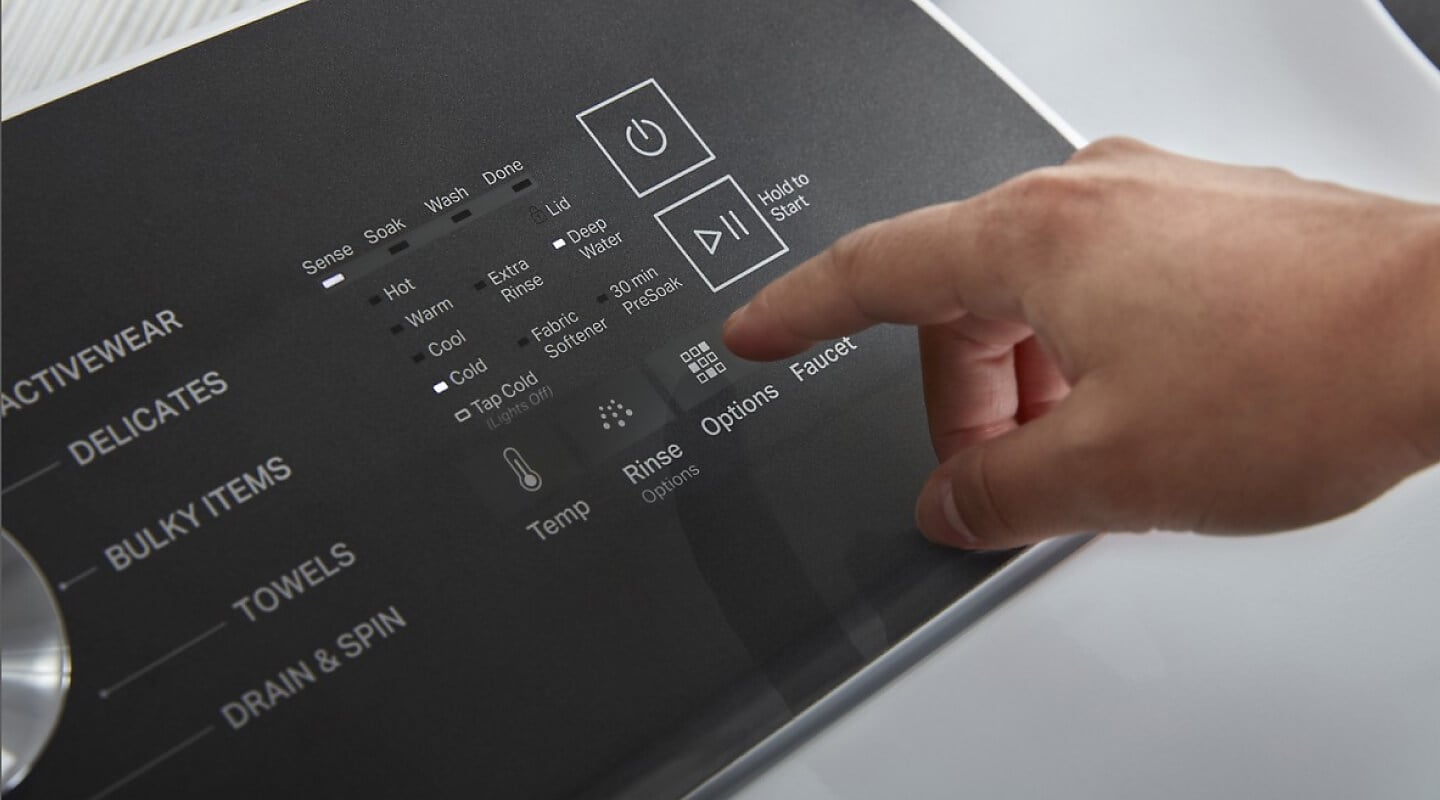
Credit: www.whirlpool.com

Credit: www.youtube.com
Frequently Asked Questions
How Do You Reset A Whirlpool Washer?
Turn off the washer and unplug it from the power outlet. Wait two minutes, then plug it back in. Turn on the washer and, if needed, follow your model’s knob or button reset sequence as per the user manual to complete the reset.
How To Do A Hard Reset On A Washing Machine?
Turn off the washing machine and unplug it from the power source. Wait one minute, then plug it back in. Turn the machine on and select the desired cycle. For model-specific resets, follow the owner’s manual instructions. This process performs a hard reset on most washing machines.
Where Is The Whirlpool Reset Button?
The Whirlpool reset button is not a physical button. Reset by unplugging the washer, waiting one minute, then plugging it back in. Some models require turning the dial through specific cycles; check your manual for exact instructions.
What Causes A Whirlpool Washer Not To Spin Out?
A Whirlpool washer may not spin due to an unbalanced load, a faulty lid switch, clogged drain pump, or a broken drive belt. Check these parts for damage or blockages. Resetting or recalibrating the washer can also fix spin issues.
How Do I Reset My Whirlpool Washer Quickly?
Unplug the washer, wait one minute, then plug it back in and turn it on.
Conclusion
Resetting your Whirlpool washer can solve many common issues quickly. Follow simple steps like unplugging and pressing buttons in sequence. Each model may have its own reset method, so check the manual. Performing a reset helps your washer run smoothly again.
Keep these tips handy to fix problems without waiting for a technician. A quick reset often saves time and money. Try these easy steps next time your Whirlpool washer acts up. You’ll get back to clean clothes in no time.