
Is your GE washer acting up and disrupting your laundry routine? You’re not alone.
Many GE washer owners face common problems like the machine not starting, stopping mid-cycle, or failing to spin properly. These issues can be frustrating and confusing, especially when you need your laundry done quickly. But don’t worry—understanding the typical GE washer problems and knowing how to fix or reset your machine can save you time, money, and stress.
Keep reading to discover practical tips and easy solutions that will get your GE washer back to working smoothly in no time.

Credit: www.youtube.com
Common Ge Washer Issues
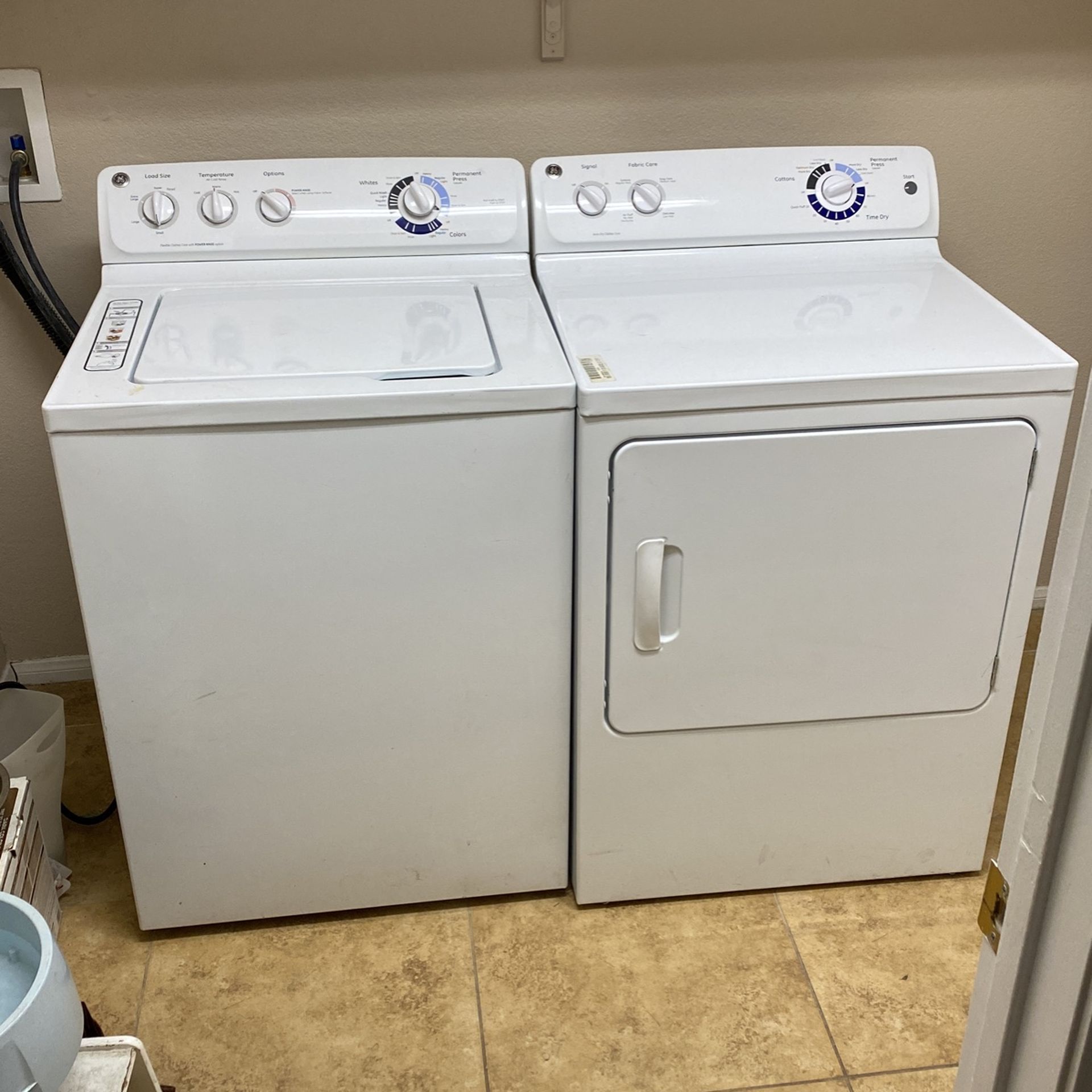
GE washers are popular for their reliability, but some common issues can disrupt their performance. Knowing these problems helps you spot troubles early. This guide covers frequent GE washer problems and simple ways to understand them.
Washer Won’t Start
Sometimes the washer does not start at all. This can happen due to power issues or a faulty lid switch. Check if the washer is plugged in and the door is closed properly. A broken start button or control board may also cause this problem.
Stops Mid Cycle
The washer may stop during a wash cycle. This often happens because of an unstable power supply or an overloaded machine. The motor or timer could be malfunctioning. Make sure the load is balanced and the power source is stable.
Won’t Spin Or Agitate
If the washer does not spin or move clothes, the drive belt might be broken or loose. The lid switch could also be faulty. Check for any blockages in the drum or a problem with the motor coupler. These parts affect spinning and agitation.
Doesn’t Drain Properly
Water may stay in the drum after the cycle ends. A clogged drain hose or pump filter often causes this. The drain pump might be damaged or the drain hose kinked. Clean the filter and check the hose for blockages to fix this issue.
Vibrating Or Shaking
Excessive shaking or noise during a cycle is common. This happens if the washer is not level or if the load is unbalanced. Check the feet of the washer and adjust them to stabilize the machine. Overloading can also cause shaking.
Not Filling With Water
The washer may not fill with water at the start. This could be a problem with the water supply or inlet valve. Make sure the water taps are open and hoses are connected. A faulty water level switch or clogged inlet screen can block water flow.
Credit: www.aliansoftware.com
Quick Fixes For Ge Washers
GE washers can face common problems that stop them from working well. Quick fixes help save time and money. Many issues can be solved without calling a repair person. Follow simple steps to get your washer running again fast.
Checking Power And Resetting
First, check if the washer is plugged in properly. Look for tripped circuit breakers or blown fuses. Unplug the washer and wait for one minute. Plug it back in to reset the machine. Listen for beeps or clicks signaling a reset. This can clear minor electronic glitches.
Inspecting Lid And Door Locks
Washer won’t start if the lid or door lock is faulty. Open and close the lid firmly to check the latch. Clean any dirt or debris blocking the lock. Use a multimeter to test electrical continuity in the lock switch. Replace the lock if it does not engage properly.
Verifying Water Supply
Washer needs enough water to fill and rinse clothes. Check if water valves are fully open. Inspect hoses for kinks or leaks. Clean the water inlet filters to remove clogs. Low water pressure or blocked hoses can stop the washer from filling.
Removing And Replacing Belts
Belt problems cause the drum not to spin. Unplug the washer and remove the back panel. Locate the belt around the motor and drum pulleys. If the belt is cracked or loose, remove and replace it with a new one. Proper belt tension is key for smooth operation.
Testing Motor And Sensors
Motor and sensors control the wash cycles. Use a multimeter to check motor windings for continuity. Inspect sensors like the water level switch and temperature sensor. Replace any parts that show no or irregular readings. Faulty sensors can stop cycles or cause errors.
Clearing Error Codes
GE washers show error codes for specific problems. Find your washer’s error code chart in the manual. Write down the code displayed on the control panel. Clear error codes by unplugging the washer for a few minutes. If the code returns, further repair may be needed.
Resetting Your Ge Washer
Resetting your GE washer can solve many common problems quickly. This process clears errors and restores normal operation. Different models require different reset methods. Follow the steps carefully to reset your specific GE washer type. Proper resetting often avoids costly repairs and saves time.
Hard Reset For Top Load Models
Unplug the washer from the power source. Wait for at least one minute. Plug the washer back in to restore power. Listen for a beep or click sound. This confirms the reset is complete. The washer is now ready for a new cycle.
Reset For Front Load Washers
Press and hold the Start/Pause button for about five seconds. Release the button once the washer beeps. This action clears minor errors on the control board. Check if the washer starts a new cycle. If not, inspect wiring connections for issues.
Using Diagnostic Mode
Some GE washers have a diagnostic mode for troubleshooting. Turn the control knob to the “Diagnostic” or “Test” position. Press specific buttons as described in your manual to start diagnostics. Watch for error codes displayed on the screen. Use codes to identify and fix problems.
Wifi Connectivity Reset
For GE washers with SmartHQ, reset the WiFi connection. Unplug the washer to power it down. Press and hold the “Temp” or “WiFi” button for 5 to 10 seconds. Release the button and wait for the WiFi indicator to blink. Reconnect the washer to your home network using the app.
Credit: fredsappliance.com
Tools And Parts For Repairs
Fixing a GE washer requires the right tools and parts. Having these ready makes repairs faster and easier. This section covers what tools to use and which parts you may need. It also explains where to find helpful guides for your repair work.
Essential Tools Needed
Start with basic tools like a screwdriver set. Both flathead and Phillips screwdrivers are useful. A socket wrench set helps remove bolts. Needle-nose pliers can grip small parts. A multimeter tests electrical components. Have a flashlight to see inside dark spaces. These tools cover most common repairs.
Common Replacement Parts
GE washers often need new belts or hoses. The lid switch is a frequent part to replace. Water inlet valves can wear out over time. The pump may fail and need swapping. Control boards sometimes cause issues. Keep these parts on hand for quick fixes.
Finding Technical Sheets And Manuals
Technical sheets explain your washer’s parts and error codes. Manuals provide step-by-step repair instructions. Find these on the GE website or appliance repair sites. Search using your model number for exact matches. Having these documents helps avoid mistakes and speeds up repairs.
When To Call A Professional
Knowing when to call a professional for your GE washer problems can save time and prevent further damage. Some issues need expert tools and skills beyond basic troubleshooting. Identifying these signs helps protect your washer and ensures safety.
Complex Electrical Issues
Electrical problems like wiring faults or power surges require professional attention. Handling electricity without knowledge risks injury and damage. A certified technician can safely diagnose and fix these issues.
Control Board Problems
The control board manages your washer’s functions. If it malfunctions, the washer may stop working or act strangely. Professionals have the tools to test and replace control boards accurately.
Persistent Error Codes
Some error codes reset after a power cycle, but persistent codes mean deeper faults. Professionals can read and interpret these codes to find exact problems. Ignoring persistent errors may worsen the damage.
Warranty And Recall Information
Check your washer’s warranty before repairs. Some issues may be covered for free. Also, look for recalls on your model that require professional service for safety reasons.
Preventive Maintenance Tips
Preventive maintenance helps keep your GE washer working well for many years. Small, regular checks stop big problems. These simple steps protect your washer and save money on repairs. Follow these tips to avoid common GE washer problems.
Regular Cleaning
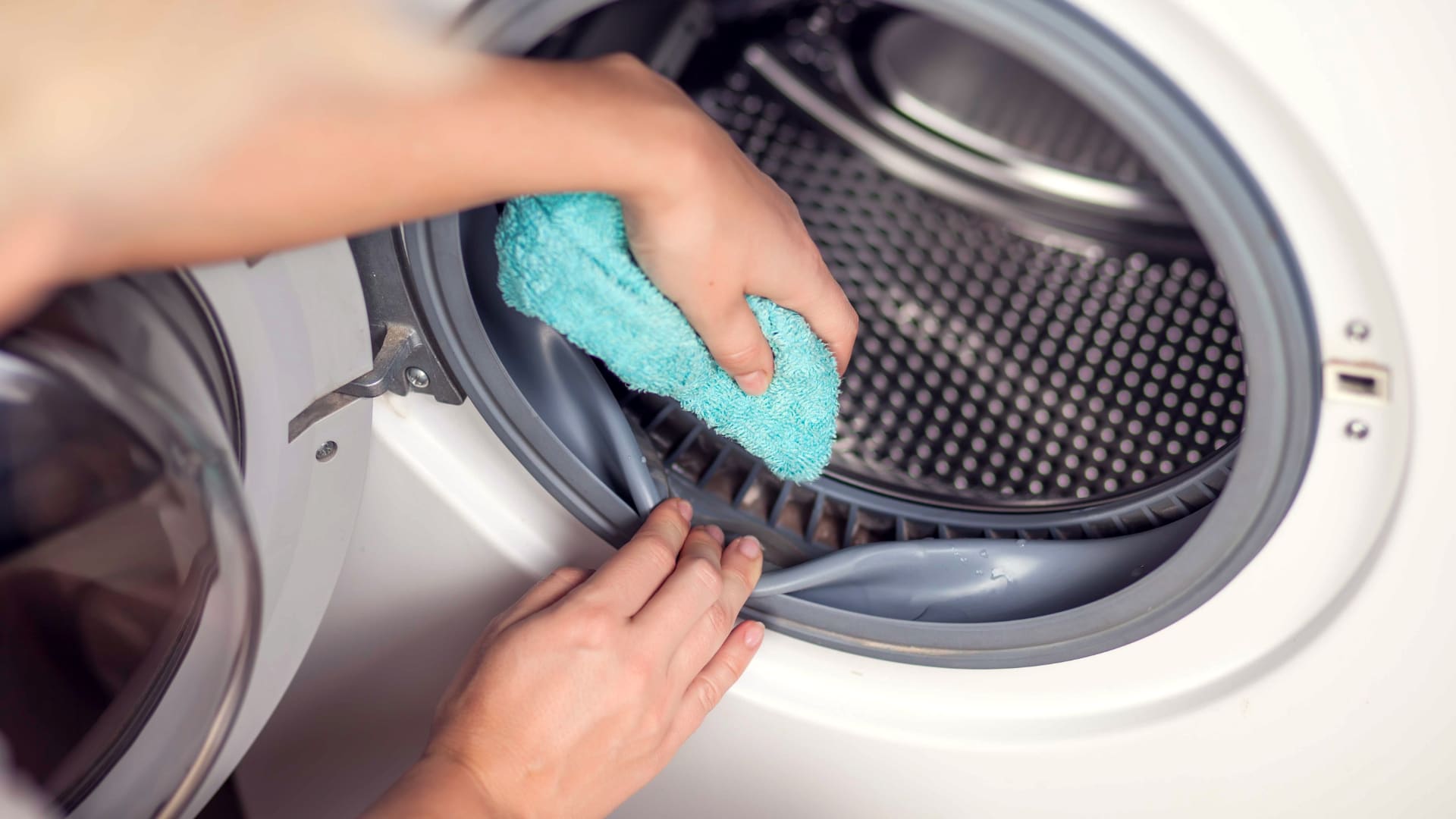
Clean your washer drum and detergent dispenser every month. This removes dirt and soap buildup. Use a damp cloth to wipe seals and edges. Run a cleaning cycle with a washer cleaner or white vinegar. Clean machines wash clothes better and last longer.
Balancing Loads
Always balance your laundry loads. Uneven loads cause shaking and noise. Distribute clothes evenly around the drum. Avoid washing very heavy items with light ones. Balanced loads reduce wear on parts and prevent damage.
Checking Hoses And Connections
Inspect water hoses for cracks or leaks every few months. Tighten any loose connections. Replace old or damaged hoses to prevent water damage. Make sure hoses are not kinked or bent. Proper hose care stops leaks and flooding.
Updating Firmware For Smart Models
Smart GE washers need firmware updates to work correctly. Check for updates on the manufacturer’s website or app. Follow instructions to install updates safely. Updated firmware fixes bugs and improves washer performance. Keep your smart washer up to date for best results.
Frequently Asked Questions
What Is The Most Common Problem With Ge Washers?
The most common problem with GE washers is failure to drain properly. Other issues include excessive vibration and improper filling.
How To Do A Hard Reset On A Ge Washer?
Unplug the GE washer or turn off its circuit breaker for 1 minute. Plug it back in and wait for a beep or click. For WiFi models, hold the “Temp” or “WiFi” button until the indicator lights, then reconnect using the SmartHQ app.
What Model Ge Washers Are Being Recalled?
The recalled GE washers include top-load models GTW840, GTW840CS, GTW840CP, and GTW840CW. Check GE’s official recall site for updates.
How To Run Diagnostics On Ge Washer?
To run diagnostics on a GE washer, unplug it for 1 minute, then plug it back in. Press and hold the Start/Pause button for 5 seconds to enter diagnostic mode. Follow error codes on the display to identify issues. Consult your manual for specific code meanings.
Why Does My Ge Washer Stop Mid-cycle?
A mid-cycle stop often means a power issue, lid switch problem, or motor malfunction.
Conclusion
GE washer problems can disrupt daily routines and cause frustration. Most issues are simple to diagnose and fix with basic checks. Regular maintenance helps prevent common troubles like draining or spinning failures. Always follow safety steps when inspecting your washer.
Taking quick action saves time and money on repairs. Trust your instincts and consult manuals or experts when unsure. A well-functioning washer keeps your laundry smooth and efficient. Stay informed to handle problems calmly and confidently.