
Is your Bosch dishwasher showing strange lights or error messages? Don’t worry—you’re not alone.
Bosch dishwashers use error codes to tell you exactly what’s wrong, saving you time and guesswork. Whether your dishwasher won’t start, won’t heat, or is leaking water, understanding these error codes puts the power in your hands to fix the issue faster.
In this guide, you’ll learn how to read and clear Bosch dishwasher error codes step-by-step. By the end, you’ll feel confident tackling those frustrating faults and getting your dishwasher back to perfect working order. Keep reading to unlock the simple secrets behind Bosch dishwasher error codes and take control of your kitchen cleanup!
Common Bosch Error Codes
Bosch dishwashers are reliable appliances, but error codes can appear during use. These codes help identify specific problems quickly. Understanding common Bosch error codes saves time and avoids unnecessary repairs.
Each error code points to a different issue. Some relate to heating, water leaks, or drainage. Knowing these common faults helps users troubleshoot effectively.
Heating Circuit Faults
Heating problems often trigger error codes. The dishwasher may not heat water properly. This can cause poor cleaning results. A faulty heating element or sensor usually causes this issue. Check the heating circuit for breaks or damage.
Water Leak Alerts
Bosch dishwashers detect leaks inside the machine. Water leak alerts signal possible flooding or dripping. A damaged door seal or loose hose may cause leaks. Promptly address leaks to prevent water damage in your home.
Filter Blockages
Dirty or clogged filters affect dishwasher performance. Filter blockages reduce water flow and cleaning power. Remove and clean the filter regularly. This simple step prevents many common error codes.
Drainage Issues
Drainage problems cause water to stay inside the dishwasher. Blocked or kinked drain hoses can trigger error codes. Ensure the drain hose is clear and properly connected. This keeps water flowing out smoothly.
Drain Pump Problems
The drain pump moves water out during cycles. Pump faults cause error codes and poor drainage. Debris or broken pump parts often cause pump failures. Inspect and clean the drain pump to fix these issues quickly.
Identifying Error Codes
Identifying error codes on your Bosch dishwasher helps fix problems quickly. These codes show what part or function has an issue. Understanding how to read these codes saves time and effort. Bosch dishwashers display errors in different ways depending on the model. Some use digital displays, while others rely on blinking lights. Always check your dishwasher carefully to spot these signals.
Using Digital Displays
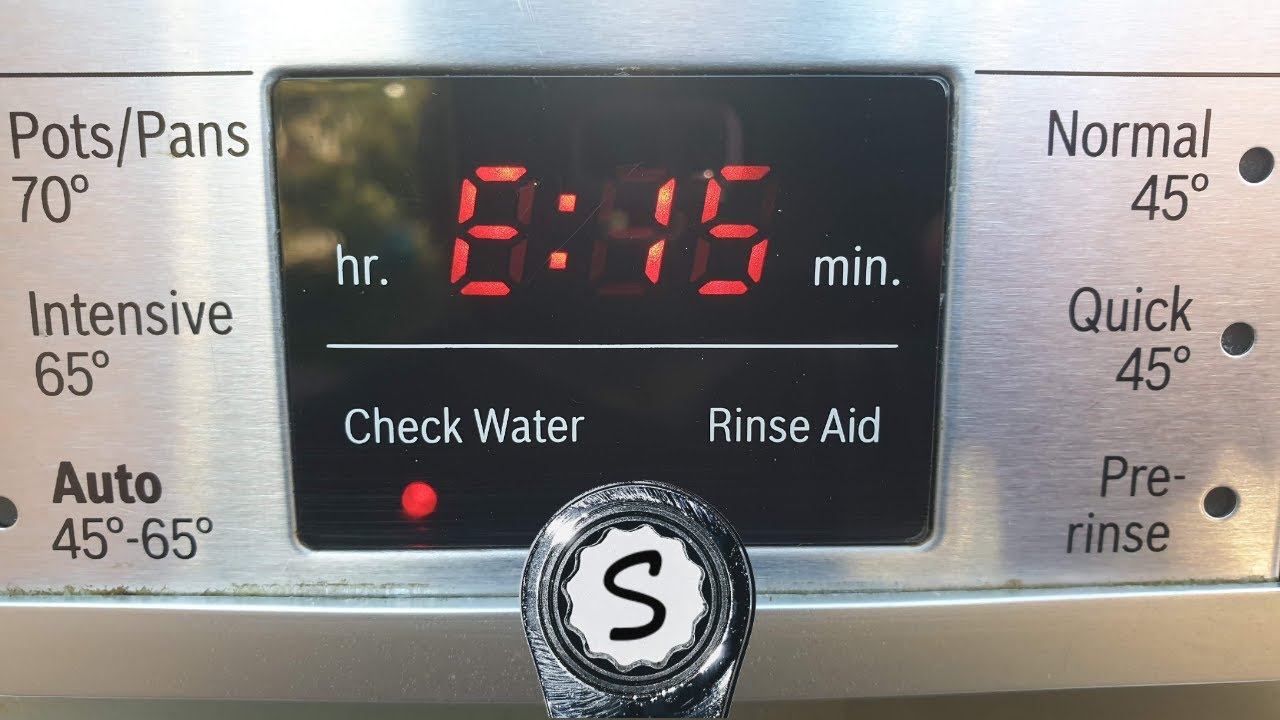
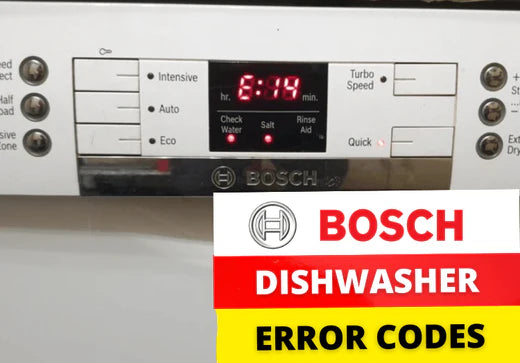
Many Bosch dishwashers have a small screen showing error codes. The code appears as a combination of letters and numbers. These codes point to specific problems like water supply or heating issues. Watch the display closely during or after a cycle. Write down the code exactly as it appears. This helps in searching for the right solution or when calling for help.
Blinking Light Patterns
Older or basic Bosch models use blinking lights to show errors. The lights blink in a certain pattern to indicate different faults. Count the number of blinks and note which lights flash. Each pattern matches a specific error code listed in the manual. This method requires careful observation to avoid mistakes. Keep a clear view of the control panel during the error signal.
Consulting The Manual
The user manual is the best guide for decoding Bosch dishwasher error codes. It lists each error code with its meaning and suggested fixes. Manuals vary by model, so use the one for your exact dishwasher. If you lost the paper copy, download a PDF from Bosch’s website. Reading the manual helps avoid guesswork and ensures correct repairs.
Resetting Your Dishwasher
Resetting your Bosch dishwasher can solve many common problems. It clears error codes and refreshes the system. This process helps restore normal function quickly. Understanding how to reset your dishwasher saves time and avoids service calls.
Basic Reset Steps
First, turn off the dishwasher by pressing the power button. Wait for about 30 seconds. Then, press and hold the start button for 3 seconds. Release the button when the lights stop flashing. The dishwasher will reset and clear most error codes.
Button Combinations For Reset
Some Bosch models use special button combinations to reset. Press and hold the “Regular Wash” and “Rinse & Hold” buttons. While holding them, press the power button to turn on the dishwasher. Release all buttons when the lights flash. This will enter the reset or diagnostic mode.
When To Power Cycle
Power cycling helps if the dishwasher does not respond to reset commands. Turn off the dishwasher and unplug it from the power source. Wait for 5 minutes to let the system fully reset. Plug it back in and turn it on. This process refreshes the control board and clears errors.
Running Diagnostic Tests
Running diagnostic tests on your Bosch dishwasher helps identify errors quickly. These tests reveal the exact issue behind error codes. Understanding how to run these tests saves time and repair costs. This section explains the common methods to run diagnostics and interpret results.
Standard Diagnostic Mode
First, turn off the dishwasher if it is running. Next, press and hold specific buttons depending on the model. Usually, holding the “Start” button for three seconds works. Wait until all indicator lights turn on or flash. These lights represent different error codes. Check your user manual for the exact button combination. Watch the pattern of blinking lights carefully. Each pattern corresponds to a particular fault. To exit this mode, press the “Start” button again or power off the unit.
Alternative Diagnostic Methods
Some Bosch models use different button combinations. Try holding the “Regular Wash” and “Rinse & Hold” buttons together. Then press the “On/Off” button to turn the dishwasher on. The control module version appears first. Release the buttons, and the lights will flash, showing error codes. Another method is holding the “Power Wash” and “Regular Wash” buttons. Press the “Power” button while holding these. The “Auto Wash” and “Regular Wash” lights will glow. These variations depend on your dishwasher model. Always refer to the manual for precise instructions.
Interpreting Diagnostic Results
Each blinking light pattern or error code means a specific problem. Common issues include water supply, drainage, or heating faults. Use your user manual or Bosch’s online resources to decode the signals. Some errors point to simple fixes like a clogged filter. Others may require professional repair. After noting the code, restart the dishwasher to see if the error persists. Keep a record of repeated error codes. This helps technicians diagnose the problem faster.
Quick Fixes For Common Issues
Quick fixes can resolve many common Bosch dishwasher error codes. These simple steps save time and avoid costly repairs. Most problems come from filter blockages, drainage issues, water leaks, or electronic faults. Knowing how to handle these helps your dishwasher run smoothly again.
Clearing Filter Blockages
Blocked filters cause poor cleaning and error codes. Open the dishwasher and remove the bottom rack. Take out the filter and rinse it under running water. Use a soft brush to clear debris. Check the spray arms for clogs and clean them. Reinstall the filter and rack securely. Run a short cycle to test if the error clears.
Fixing Drainage Problems
Drainage errors often mean the hose or pump is blocked. Inspect the drain hose for kinks or clogs. Disconnect it and flush water through to clear debris. Check the drain pump for objects like broken glass or food bits. Clean any blockages carefully. Reattach everything tightly. Start a drain cycle to ensure water flows out properly.
Addressing Water Leaks
Leaks can trigger error codes and damage floors. Look under and around the dishwasher for water. Tighten loose hose connections and check door seals for cracks. Replace damaged seals promptly. Clean the dishwasher base and remove any standing water. Make sure the dishwasher is level to prevent leaks. Test by running a short wash cycle.
Resetting Faulty Electronics
Electronic glitches cause false error codes. Turn off the dishwasher power at the breaker. Wait for about one minute to reset the control board. Turn the power back on and press the Start button for three seconds. This resets the system and clears minor faults. If errors return, consult the manual for specific error codes and solutions.
Credit: www.youtube.com
Preventive Maintenance Tips
Preventive maintenance helps keep your Bosch dishwasher running smoothly. Small, regular checks prevent many common error codes. These simple steps save time and repair costs. Follow easy tips to avoid breakdowns and extend your dishwasher’s life.
Regular Cleaning Routines
Clean the filter and spray arms often. Food particles can block water flow. Wipe the door seals to stop mold and dirt buildup. Run a cleaning cycle with dishwasher cleaner once a month. This keeps the machine fresh and working well.
Checking Hose Connections
Inspect the water inlet and drain hoses regularly. Look for kinks, leaks, or loose fittings. Tighten connections to prevent water flow errors. Replace damaged hoses to avoid flooding and error codes. Proper hose care ensures smooth water circulation.
Avoiding Common Causes Of Errors
Load dishes correctly to avoid blockages. Do not overload the dishwasher. Use the right detergent and avoid overuse. Check for hard water buildup and clean as needed. These steps help reduce error triggers and keep the dishwasher error-free.
Credit: theapplianceguys.com.au
Frequently Asked Questions
What Are The Bosch Dishwasher Error Codes?
Bosch dishwasher error codes indicate issues like motor faults, heater problems, or control board errors. Codes appear as blinking lights or digital displays. Check your manual for specific code meanings. Reset errors by holding the start button or running a diagnostic cycle.
How Do I Clear An Error Code On A Bosch Dishwasher?
To clear a Bosch dishwasher error code, press and hold the Start button for three seconds to reset. Power off, then run a short rinse cycle. Consult your manual for specific error code details and troubleshooting steps.
How Do I Run Diagnostics On My Bosch Dishwasher?
Turn off the dishwasher. Press and hold specific buttons (like Regular Wash and Rinse & Hold) while turning it on. Watch indicator lights flash error codes. Check your manual to interpret codes. Press Start or turn off power to exit diagnostics.
What Is E07 On Bosch Dishwasher?
E07 on a Bosch dishwasher indicates a heat pump motor circuit fault at the main control board. It requires professional repair.
What Do Bosch Dishwasher Error Codes Mean?
Bosch error codes show specific problems in your dishwasher to help with quick fixes.
Conclusion
Understanding Bosch dishwasher error codes helps you fix issues quickly. These codes guide you to identify problems clearly. Resetting the dishwasher often clears minor errors fast. Always check your user manual for specific code meanings. Regular maintenance prevents many common faults from occurring.
Knowing these basics saves time and reduces frustration. Keep your Bosch dishwasher running smoothly with simple steps. Stay informed and handle errors with confidence every time.